

Step 1: Plug your Scriptel device into the USB port of the computer you will be using with your Cash Practice account. If you need to download the program, continue through the following steps. If you already have the program downloaded, open it on your computer & skip to step 5.
Step 2: Visit https://scriptel.com/support/downloads/
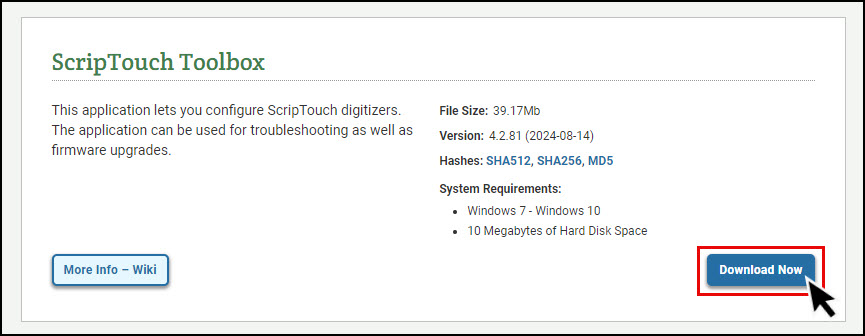
Step 3: Locate the [ScripTouch Toolbox] & click [Download Now]
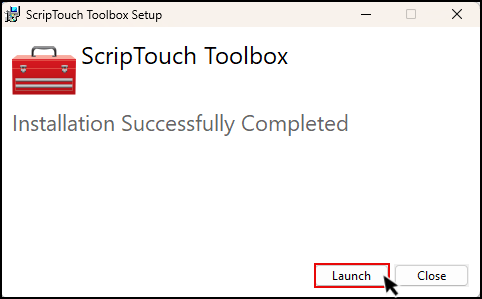
Step 4: Once the download/installation process is complete, [Launch] the program.
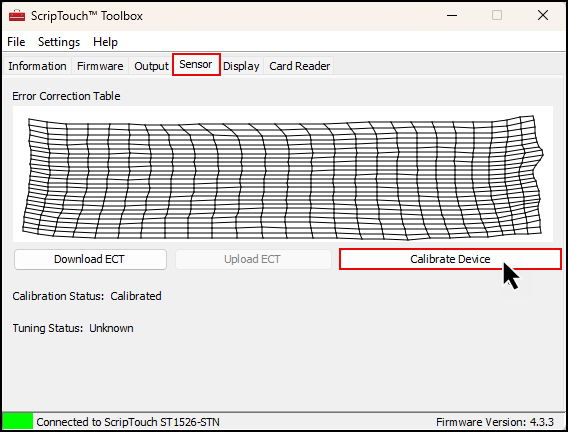
Step 5: Click on the [Sensor] tab & then select [Calibrate Device].
NOTE: If you do not have the [Sensor] tab, please click the [File] menu in the top left & select [Show Advanced]
Step 2: Follow the prompts on the signature device to complete calibration.