

Getting started:
Step 1: From your account → in the top right of the navigation menu → click on the [Virtual Terminal] icon.

Step 2: Using the [Auto-Debit Virtual Terminal], enter the amount and client account. For [Billing Type], select [EMV].
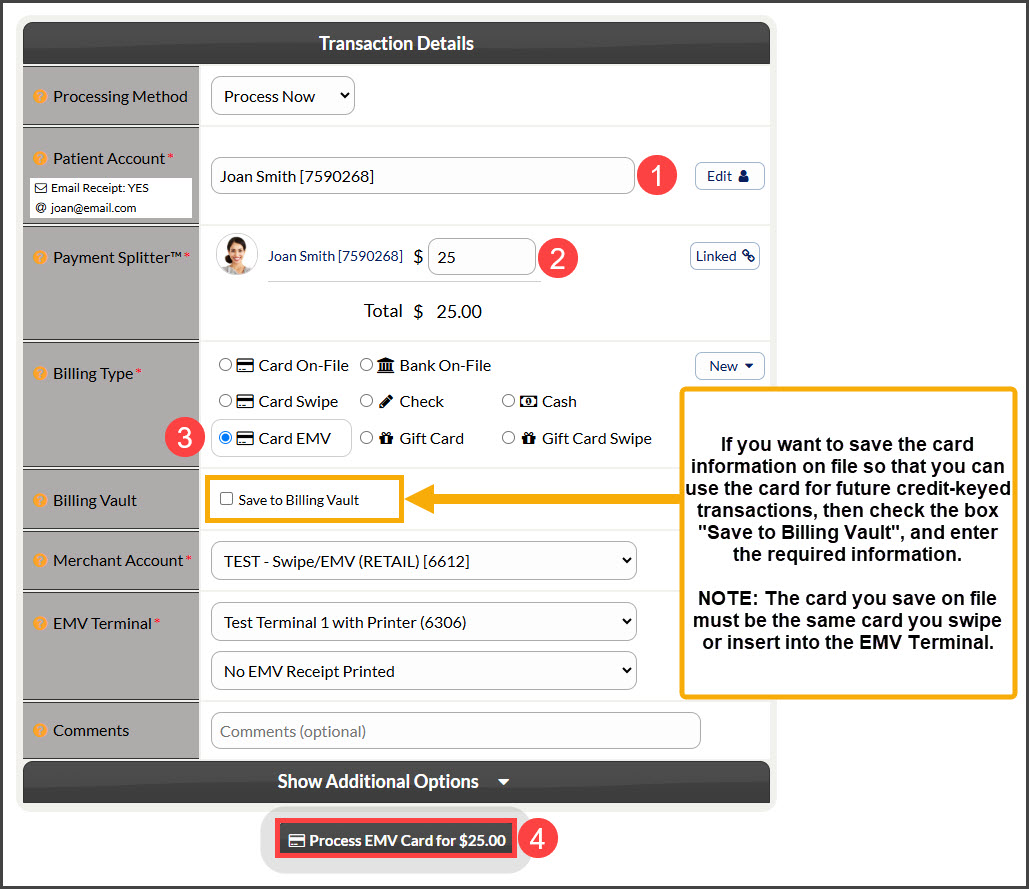
Step 3: If you have more than one EMV Chip Terminal at your location, select the terminal that you'd like to process from. Next, select which receipts you'd like to have the terminal print → click [Process Transaction].
*Note: The default for [Print Receipt] is "No Receipt", so be sure to change this if wanting a receipt from the terminal.
Step 4: Instruct the customer to follow the prompts on the terminal.
Step 5: When prompted, ask the customer to tap, insert, or swipe the card into the terminal.
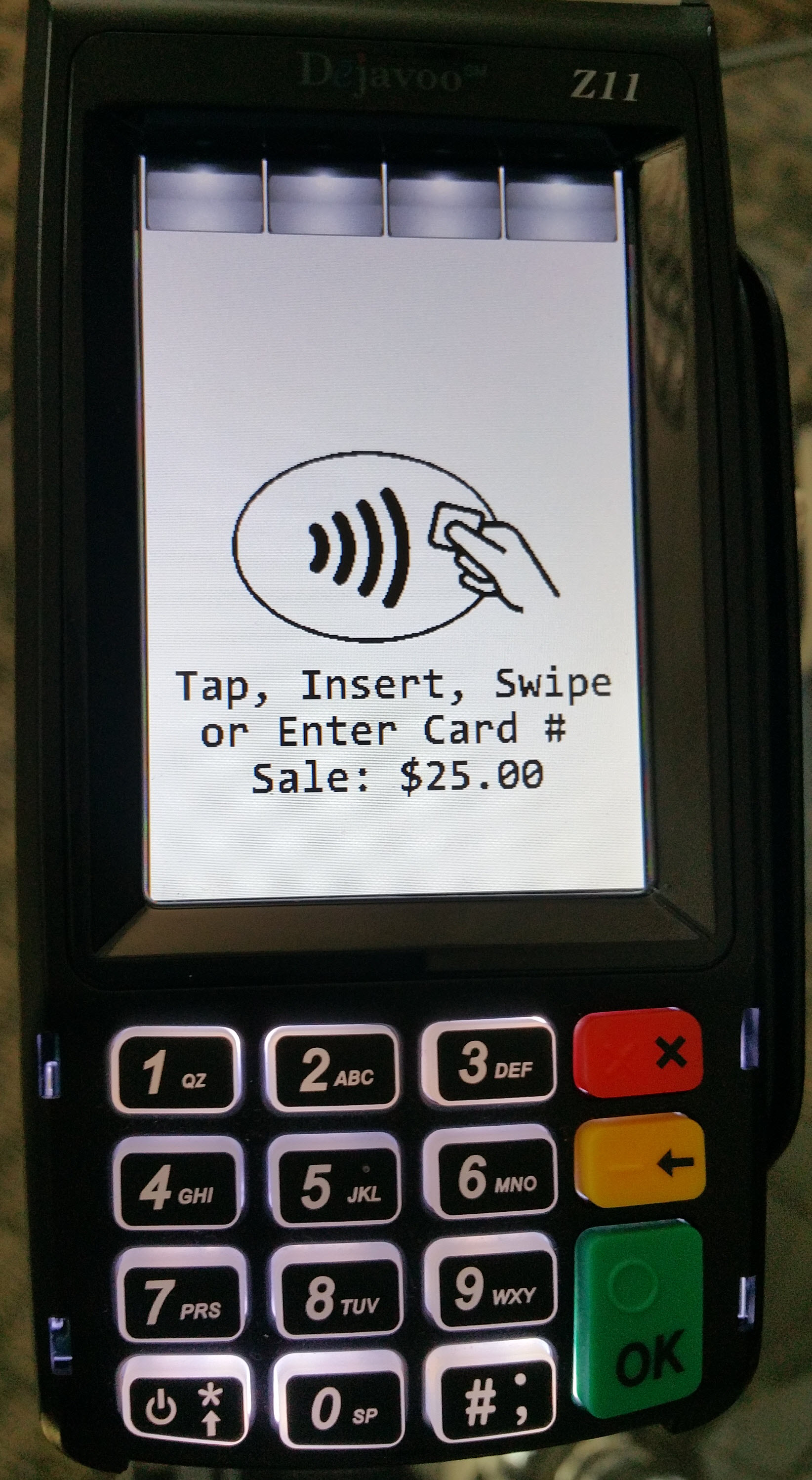
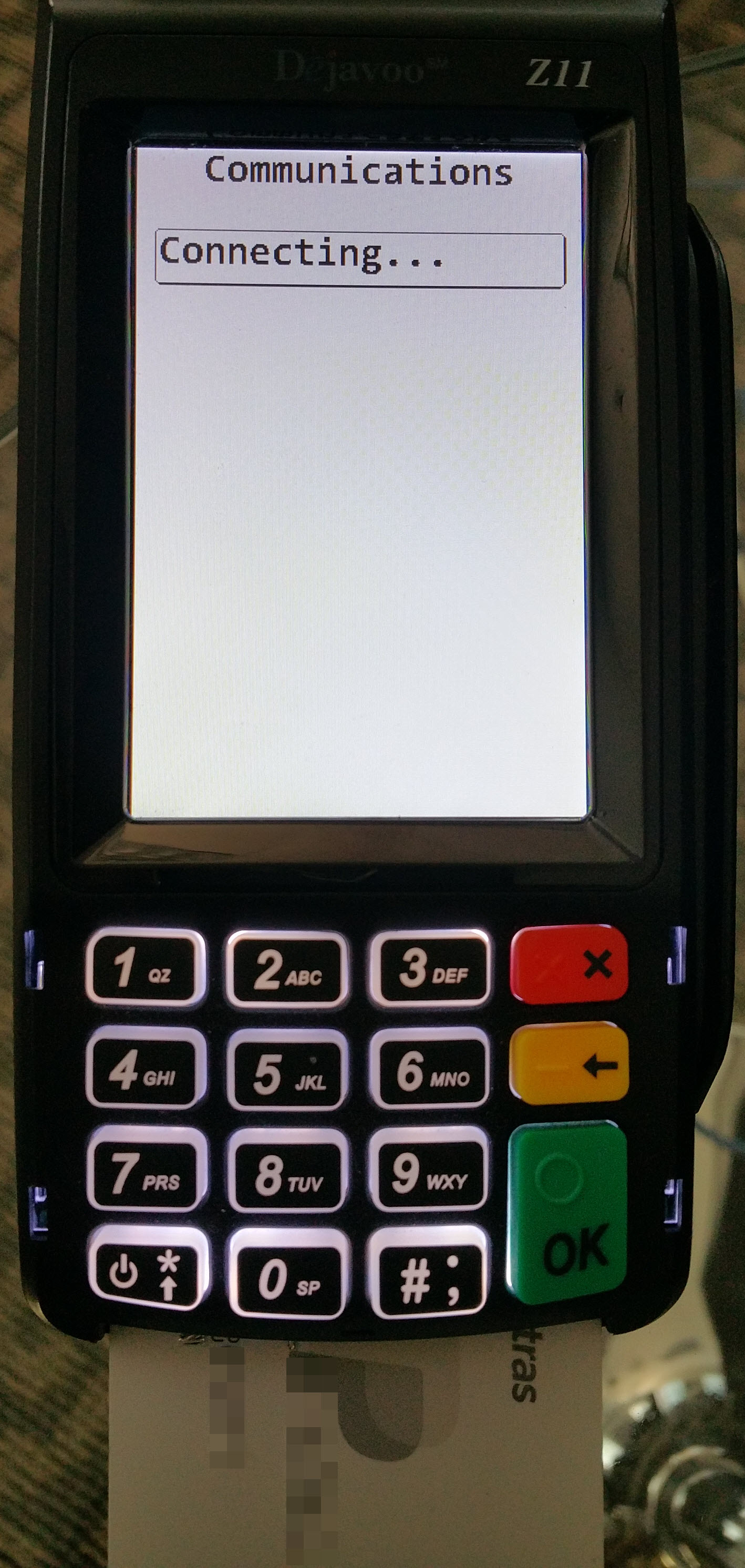
The terminal will rapidly connect to the gateway and start communicating...
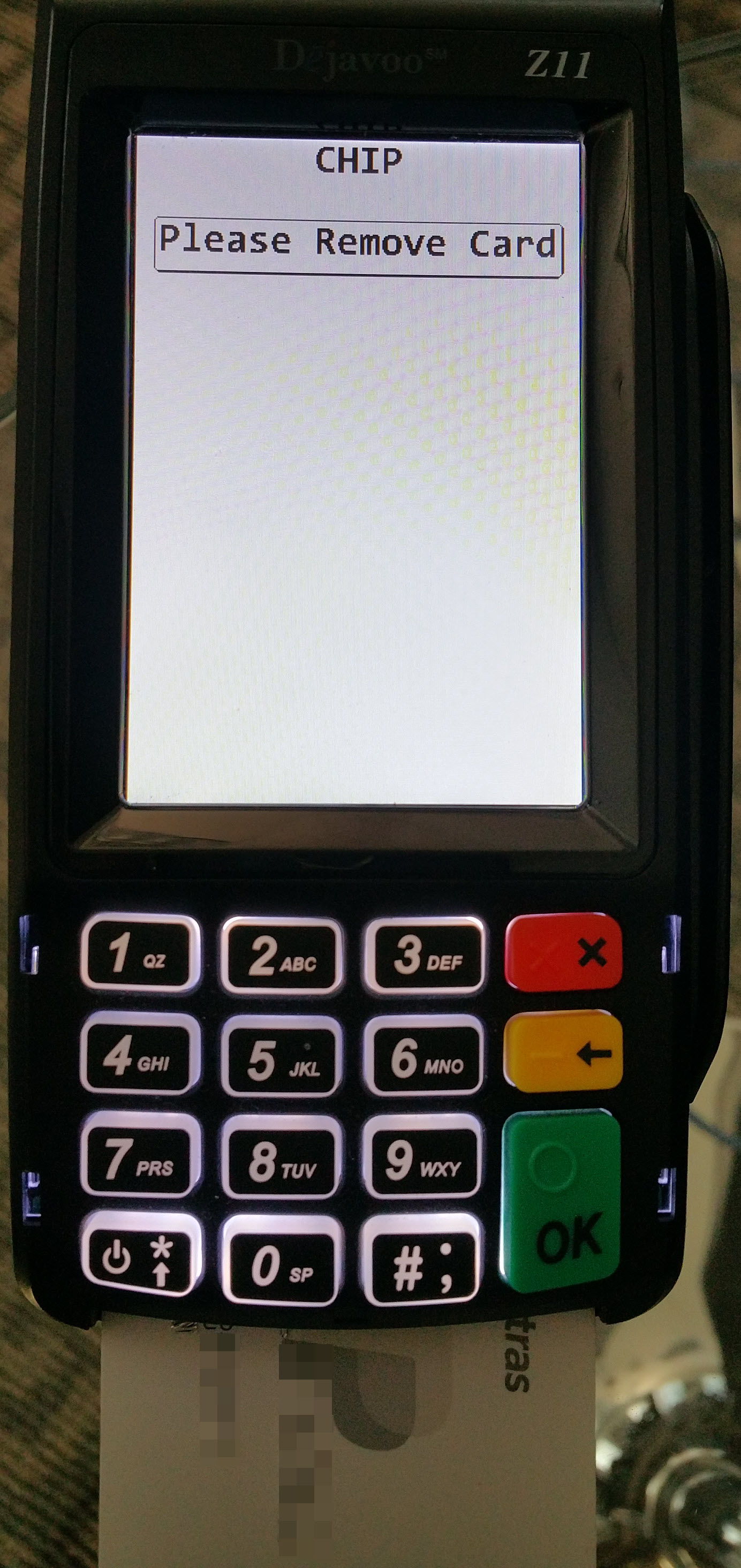
When completed, the terminal will ask the customer to remove the card.
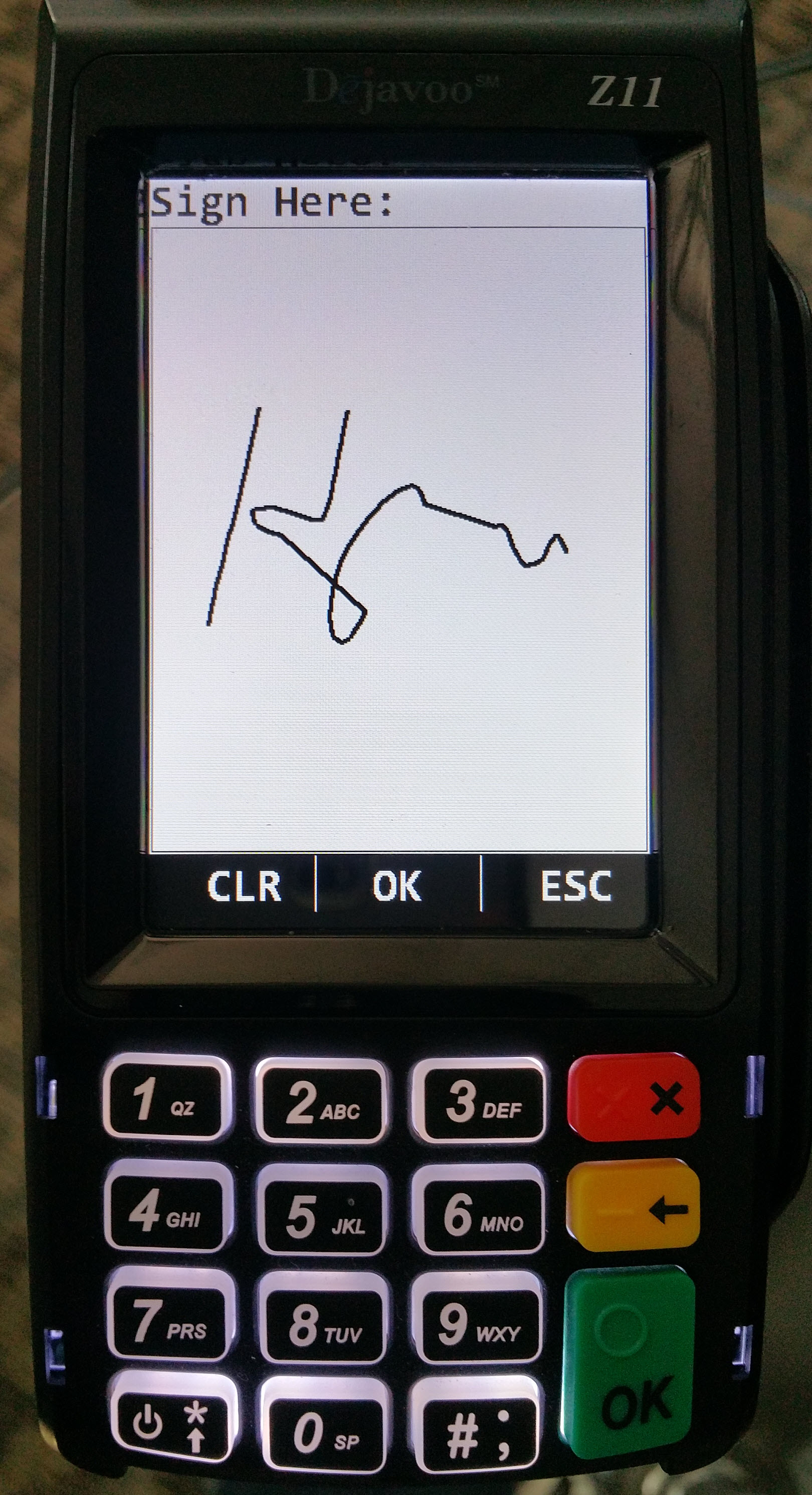
After the card is removed, the customer will be prompted to sign on the terminal screen (using their finger or stylus), then click OK or the green button.
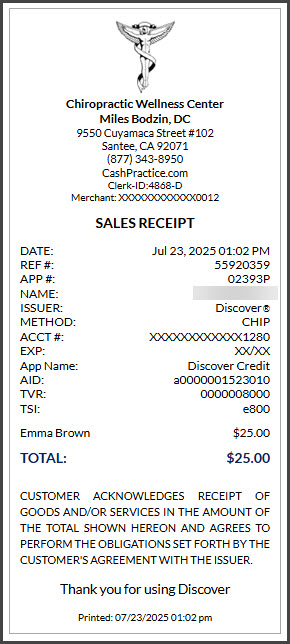
If the transaction is accepted, then you will see a receipt pop open in the monitor window.
To view the transactions, from the [Dashboard], click on the [End of Day Summary Report].
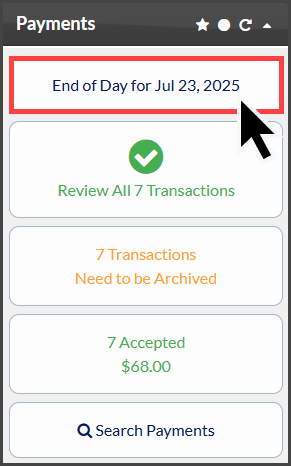
From the Payment Report, you can view, void, or refund the transactions.

Effective 10/1/19:
In order to process card-present-swiped transactions (USB Swiper, CP Mobile Swiper & EMV Chip Terminal), our Retail merchant account is required and has merchant fees associated with it. Optionally, if you purchase a single EMV Chip Card Terminal, there is a $9/mo network service fee added to your subscription dues. Additional terminals are $3/mo for the same Cash Practice Membership.
EMV Terminals come with a 30-day Money-Back Guarantee. Items must be returned in new condition in their original packaging, postmarked within 30 days of purchase. There is a $50 restocking fee for each EMV terminal returned. Refunds (less the restocking fee) will be posted against the original payment within 10 business days of receipt of the return. The merchant will be responsible for all return shipping fees. For assistance with returns, merchants will need to contact our Merchant Services Dept at (877) 343-8950 x105. There is a 1-year manufacturer's warranty for out-of-the-box equipment failure. Additionally, Cash Practice provides an additional 1-year warranty for out-of-the-box equipment failure (increasing the warranty period to a total of 2 years). If the terminal has failed within the warranty period and cannot be repaired, a replacement will be provided. In the event that a terminal fails after the warranty period but less than 3 years since purchase, a new terminal can be purchased at a reduced cost. Physical damage of any kind is not covered. The manufacturer does offer repairs on non-covered issues for a fee. Merchants will need to contact our Merchant Services Dept for assistance at (877) 343-8950 x105.