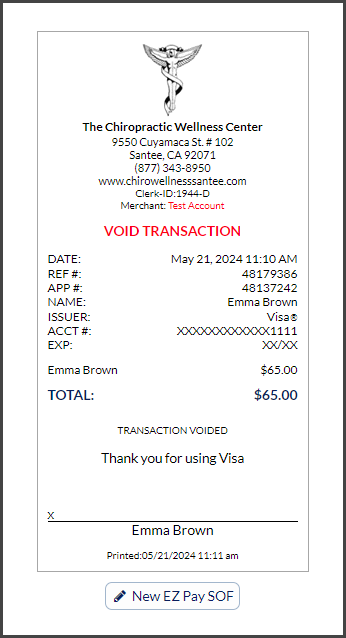
If you accidentally refunded a transaction or refunded the wrong amount, you can void the refund the SAME DAY!
Getting Started:
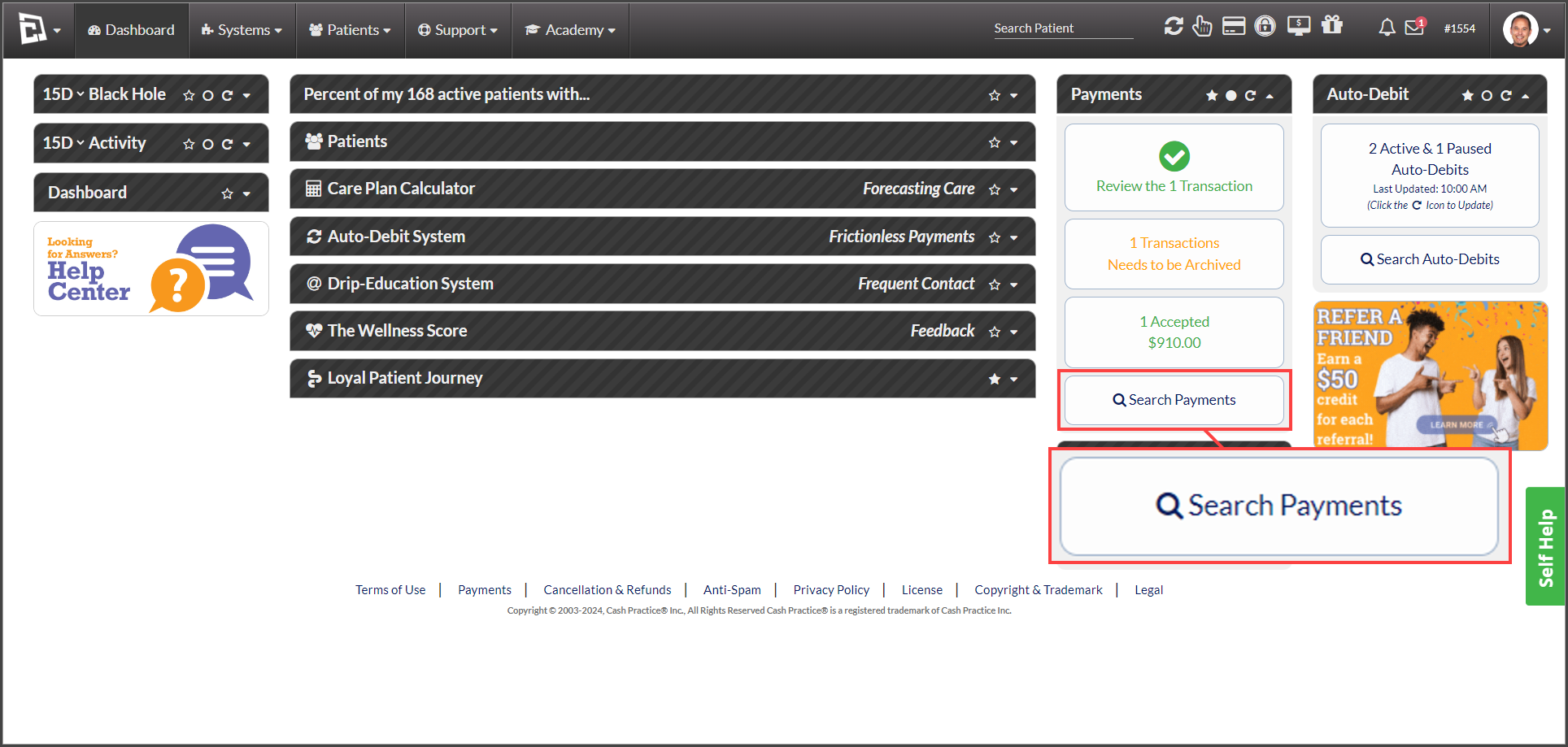
Step 1: When logged into your account: From the Dashboard, click the [Search Payments] button on the right, under the "Payments" section.
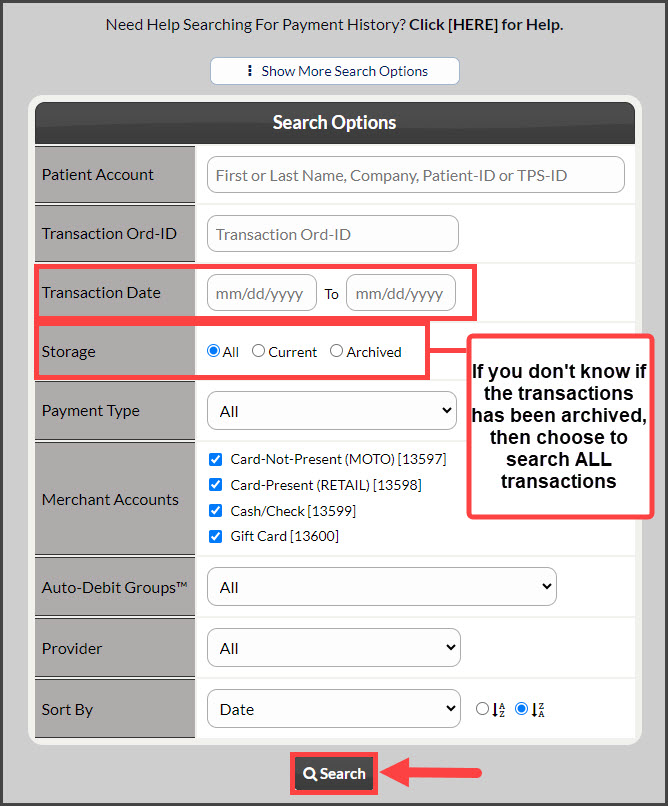
Step 2: Enter your search criteria. Change the [Storage] field to "All" - this will show all current and archived transactions. For additional search criteria, select [Show More Search Options]. Then click [Search].
Step 3: Locate the refund you wish to void and click the [Void] button in the "Actions" column. This will open the voider in a new window.

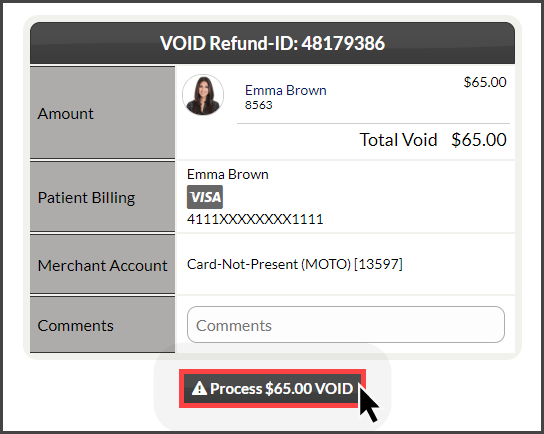
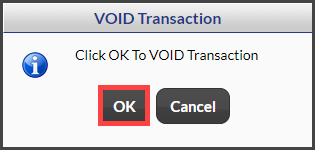
Step 4: Click [Process $X VOID] then click [OK].
Optional: Add a comment documenting the reason this refund is being voided.
Step 5: A confirmation receipt of the void will appear. You may print this if needed by clicking on your company's logo. Once finished, close out of the window and the transaction will be updated from Refunded → Voided.