

Getting started:
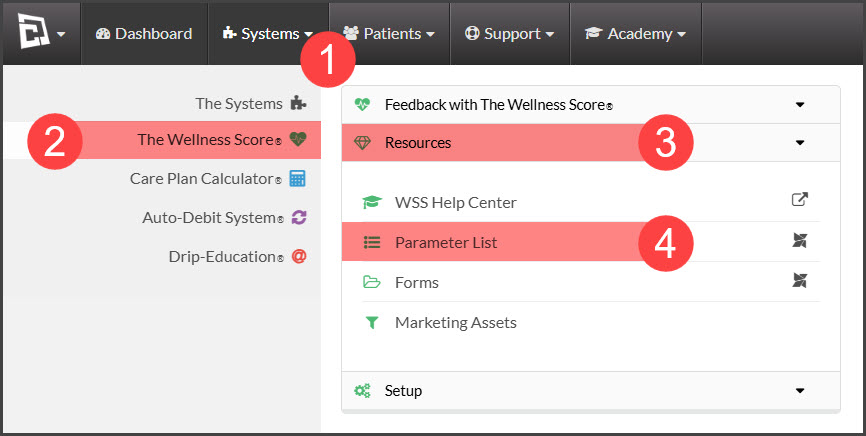
Step 1: Hover over [Systems] → click on [The Wellness Score®] → click on [Resources] → select [Parameter list].
Step 2: A new window will open, allowing you to scroll through the list of parameters. You can click on the logo or the [Print] button to print this list.
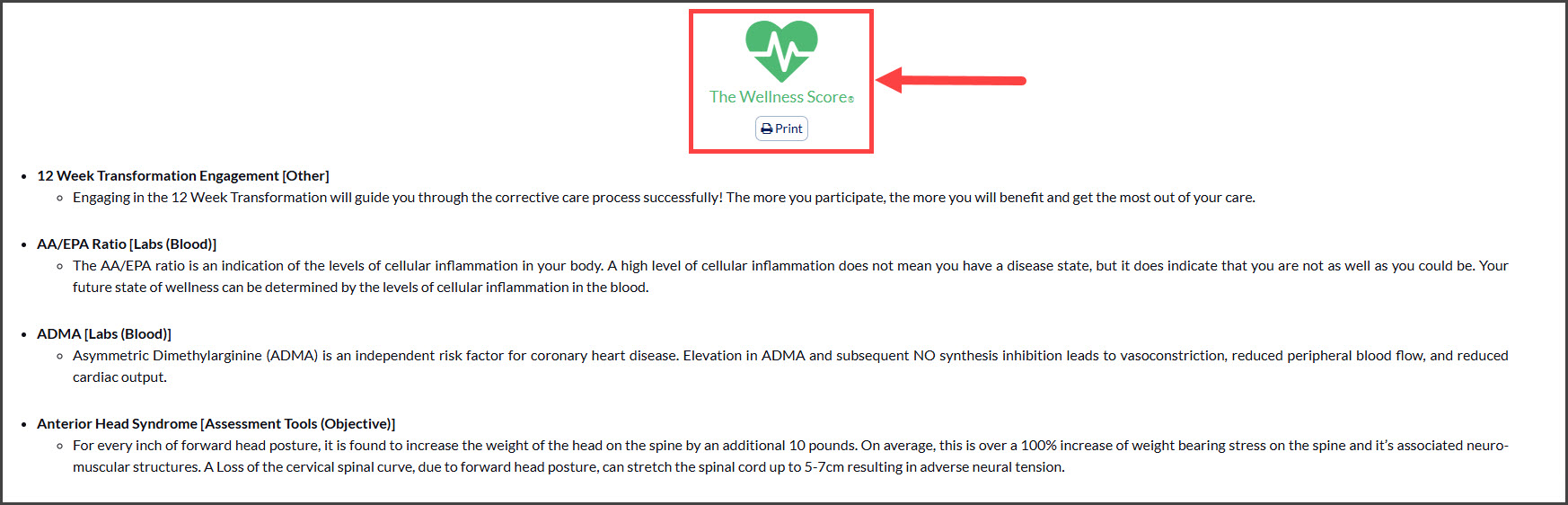
NOTE: Only the parameters and descriptions are viewable. Due to copyright protection and intellectual property rights, the data tables are disabled from view. If you have a particular data table that you need the details for, please email Support@CashPractice.com requesting only the information that you need. Please include your name, Cash Practice account number, the name of the parameter, and the parameter ID number (listed next to the parameter name) in your request.