For steps on how to access the compose tab click HERE
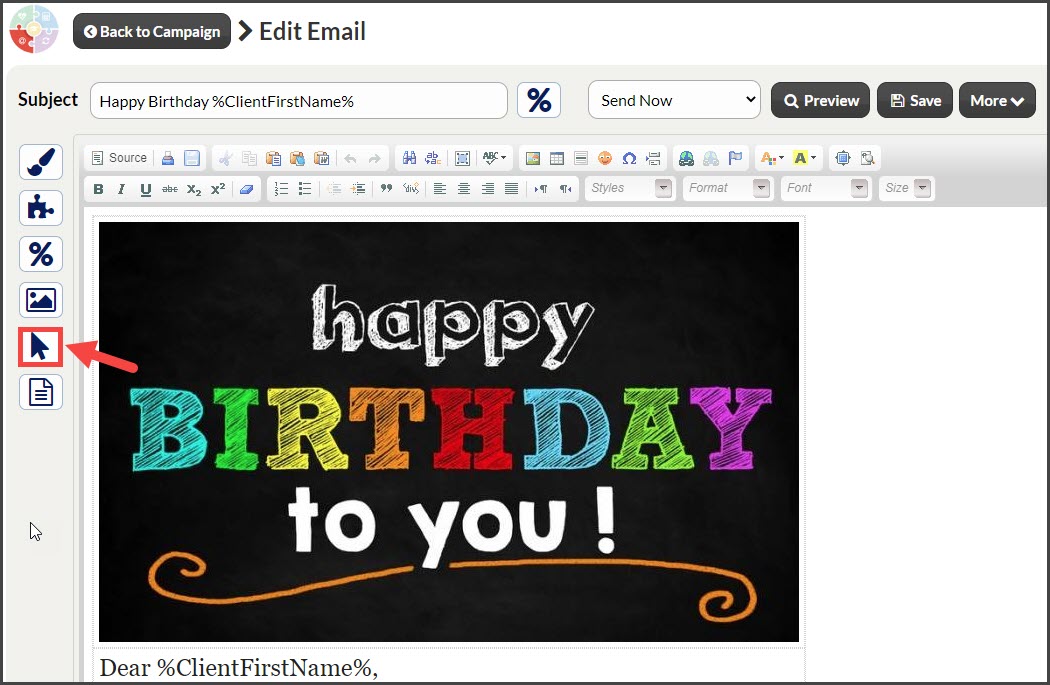
Step 1: From the campaign content editor, click on the [Link Trackers™] icon located on the left-hand side of your screen.
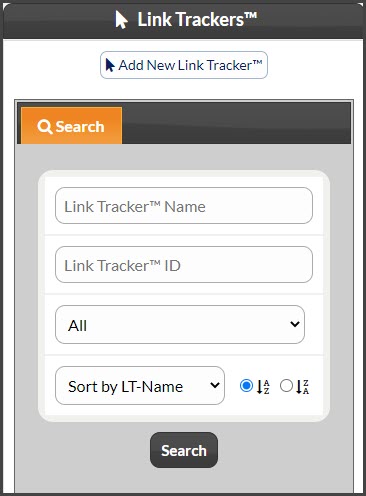
Step 3: Search for the link tracker you would like to add to the email. Refine the search option or to see all link trackers click the [Search] button.
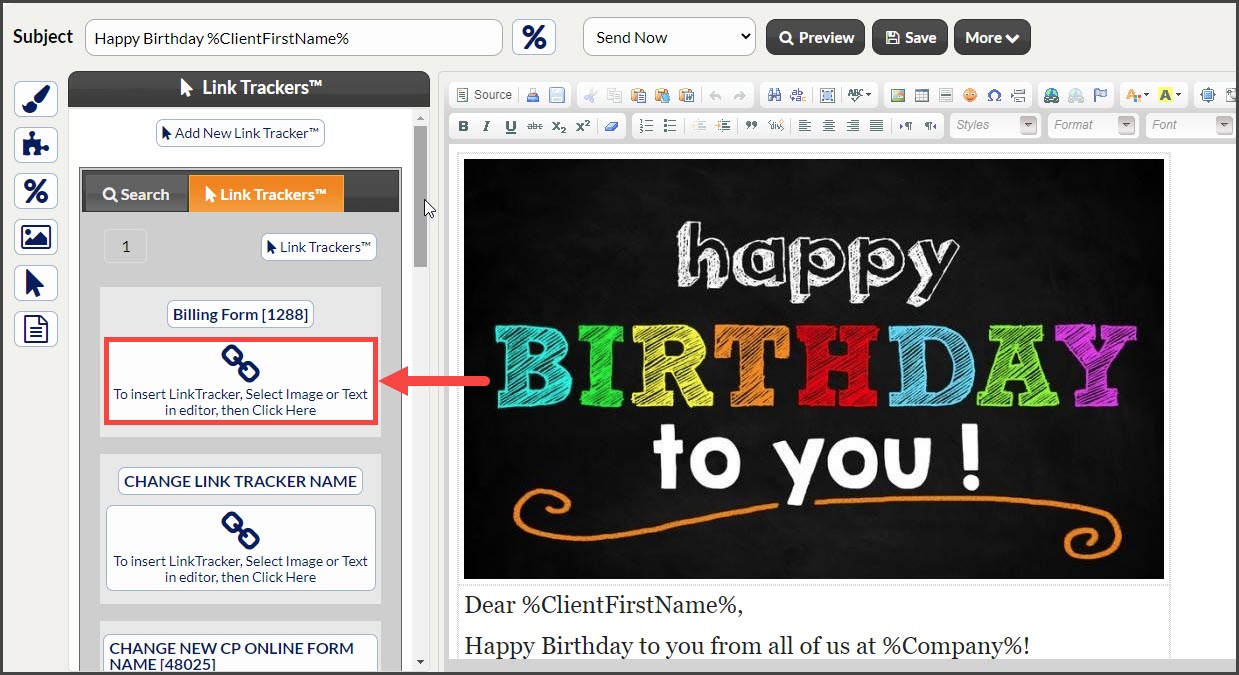
Step 4: Select the content in the email you want to add the link tracker to. This can be an image or wording.
Step 5: Click on the link tracker button to add the tracker to the content.