Getting started:
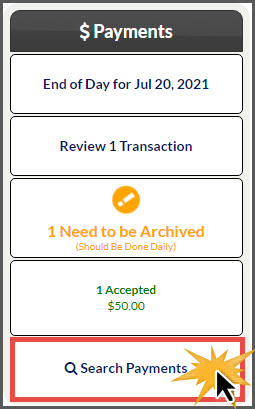
Step 1: From the [Systems] Menu→ [Auto Debit System®] → [Reports]→[Posted Payments Generator™]. Or from the Dashboard click [Search Payment].
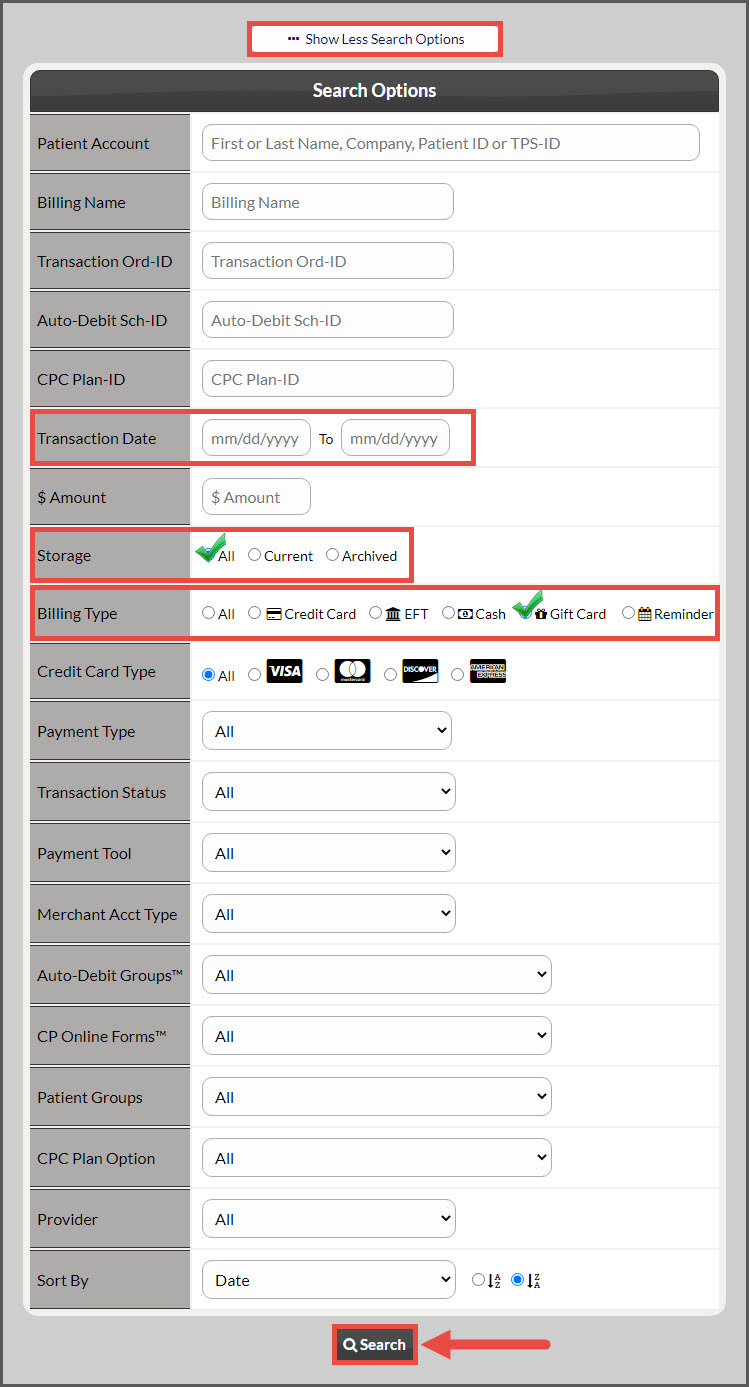
Step 2: In the [Search Options] designate your search criteria for the transaction(s) you would like to view. To pull a report of Gift Card only transactions, select the Credit Card Type as Gift Card. Be sure to change the [Storage] field from "Current" to "All" or "Archived" then click [Search] at the bottom of the page to produce the report.
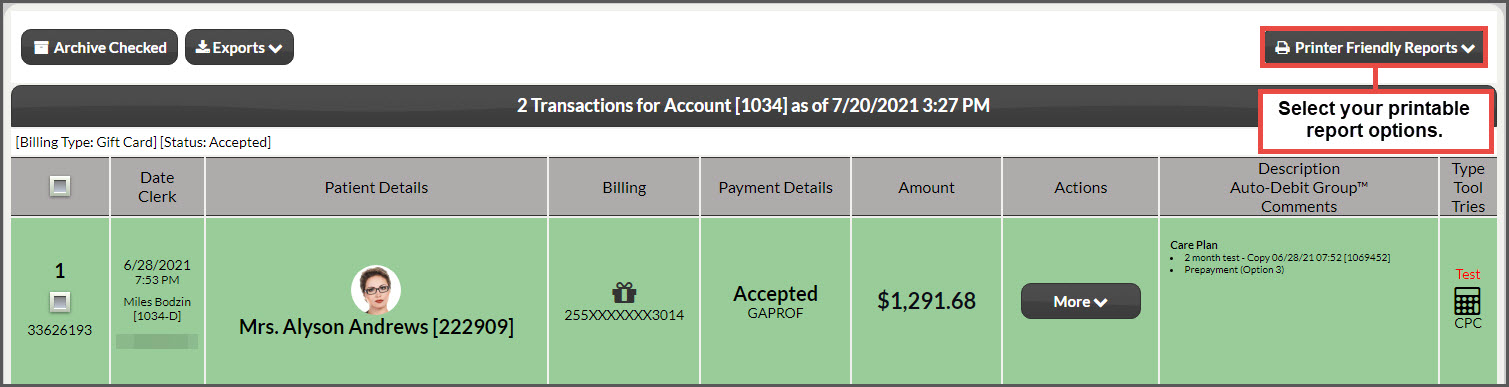
Step 3: The page will reload to display all transactions based upon your search criteria. Review the transactions, take action, or print the report by using out three printable report options on the top right of the page.