Why should I archive?
It is important to archive payments to patient ledgers after posting them. This will help keep your records organized and manageable. Furthermore, archiving payments will ensure that only current transactions that require action appear on the Posted Payment Report. Click HERE for more information on the Posted Payment Report Generator.
Getting started:
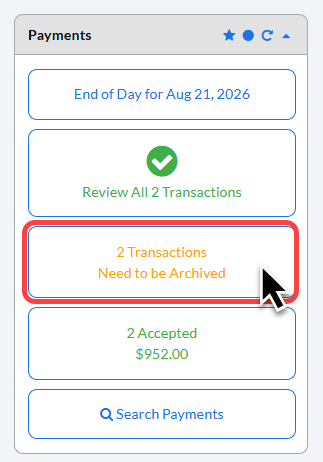
Step 1: From the Dashboard, click on the [X Needs to be Archived] button on the right, located under the "Payments" section.
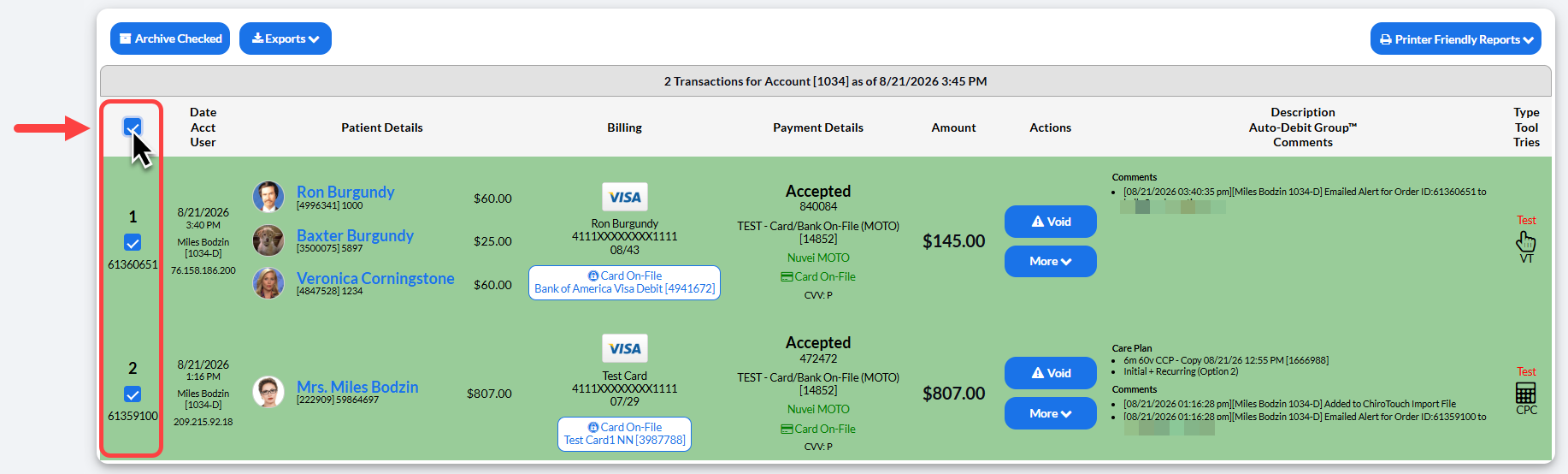
Step 2: Select the toggle box in the left-hand column to allow the system to check all of your transactions down the list.
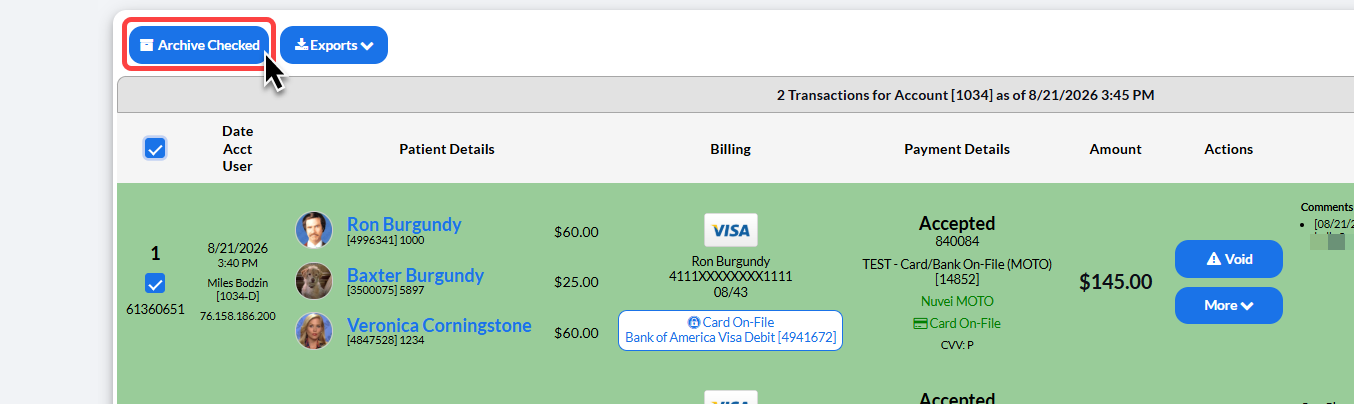
Step 3: Then select [Archive Checked].
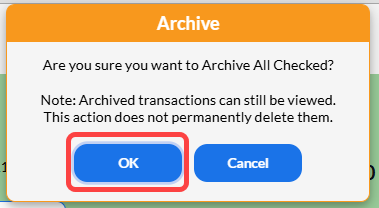
Step 4: A pop-up box will appear, asking you to verify that you would like to archive your transactions. Select [OK] to proceed.
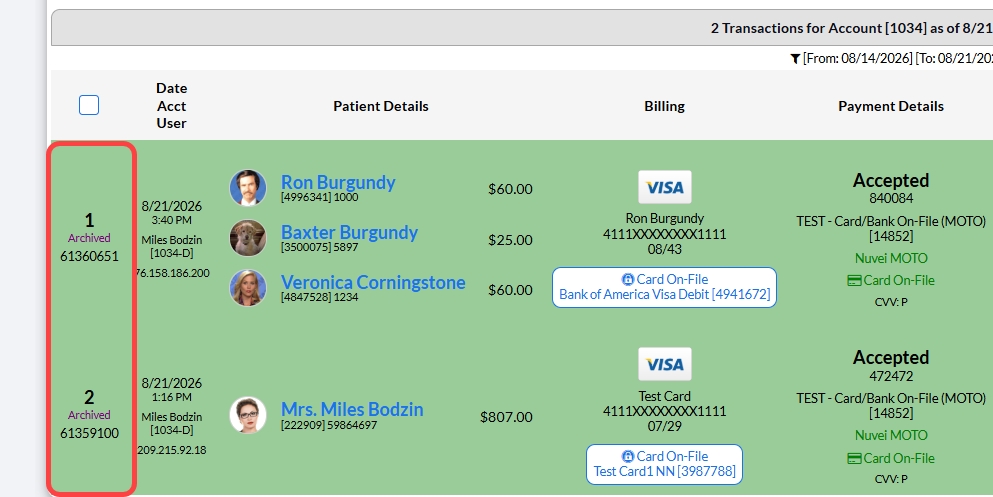
The Posted Payments Report will update to show these transactions as "Archived" in the left column.