

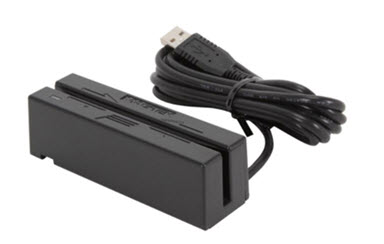
USB Swiper: Bring a laptop to the event and plug-in this USB swiper, and start processing payments just like you do back at the office using CashPractice.com! If you have not yet purchased a USB swiper, click HERE!
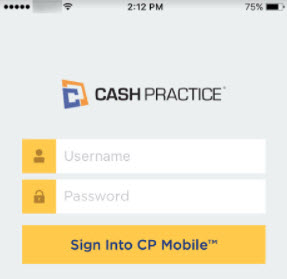
Cash Practice Mobile App: Key enter card payments at the event!
Use our mobile app available on both the Apple app store for iPhone/iPad and Google Play store for Android devices. This is a free app that is user-friendly. Click HERE for training material.
Important! In order to use our mobile app, please contact our Merchant Services Department at (877) 343-8950 x102 or send an email request to MerchantAccounts@CashPractice.com. Allow for a 2-3 business day setup time. There will also be a mobile access fee of $5 per month added to your monthly membership dues.
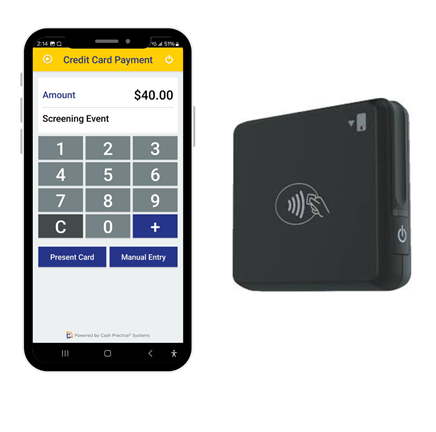
CP Mobile Bluetooth Card Reader: Swipe, tap, insert cards and make contactless payments using our bluetooth card reader designed specifically for Apple or Android devices. Click HERE to purchase!
Connect your CP Mobile Bluetooth Card Reader your phone or tablet, sign in to your Cash Practice app, and begin processing payments!
Important! In order to use our mobile app, please contact our Merchant Services Department at (877) 343-8950 x102 or send an email request to MerchantAccounts@CashPractice.com. Allow for a 2-3 business day setup time. There will also be a mobile access fee of $5 per month added to your monthly membership dues.