
*Please Note: It's very important that you have strong procedures in place as to how your office collects, records, and tracks cash.
For complete instructions for using the Virtual Terminal, refer to this article: Processing: How to use the Virtual Terminal?
Getting Started:
Click on the Virtual Terminal shortcut in the top, right-hand side of the navigation menu.

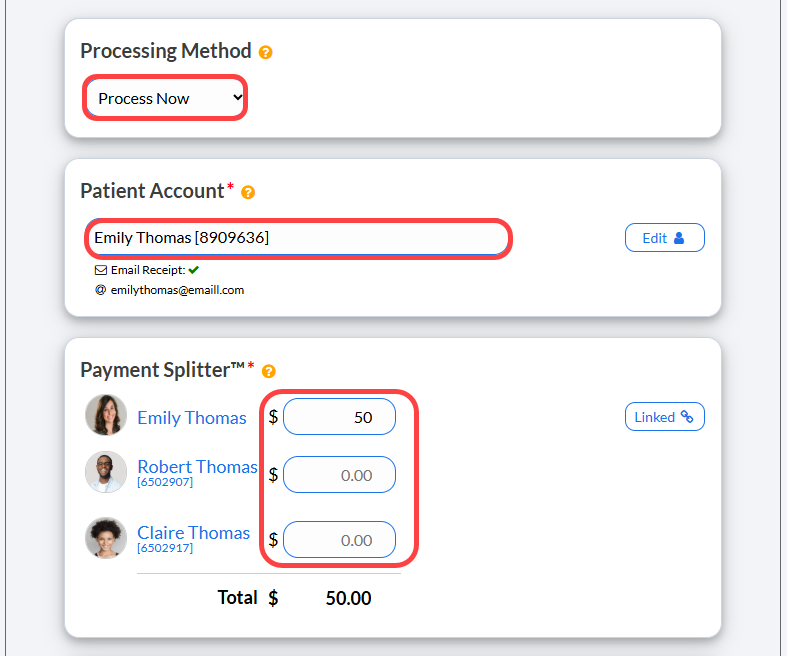
Step 1 : Proceed to fill out the required fields for the transaction.
For complete instructions for using the Virtual Terminal, refer to this article: How do I use the Virtual Terminal?
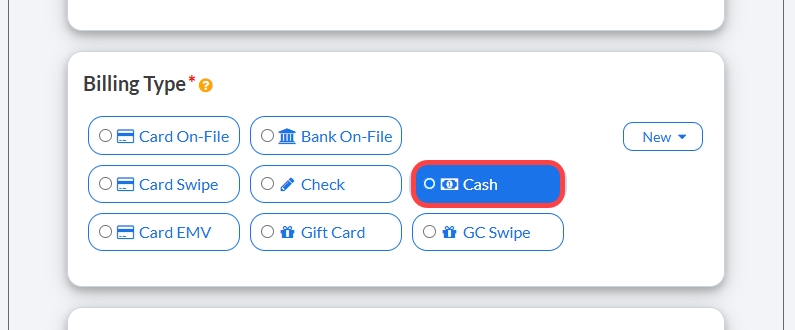
Step 2: Select Cash as the Billing Type.
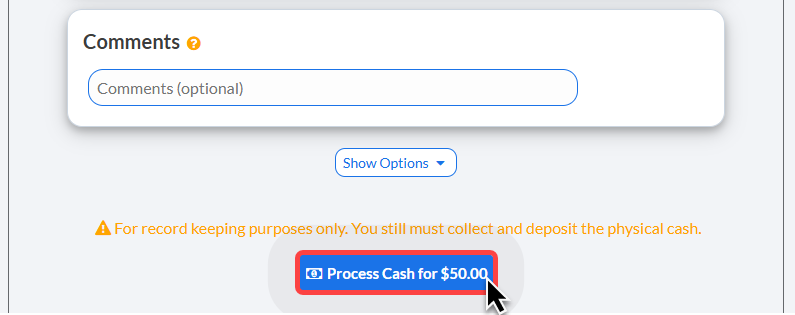
Step 3:(Optional) Add a comment to the transaction or proceed to [Show Options] to select additional options for the transaction if needed.
Step 4: Click the [Process] button at the bottom of the screen.
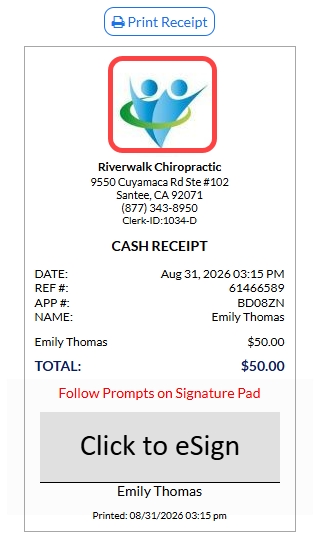
Step 5: Print the receipt by clicking on the [Logo] or the [Print Receipt] button.
(OPTIONAL) Capture the [e-signature] from the patient.