Effective 4/1/17
The following browsers and operating systems will no longer be able to access Cash Practice Systems:
Unsupported Operating Systems (OS) & Browsers:
Android 4.3 or lower
Internet Explorer
Java 7 or lower
Safari 6 or lower
Windows XP
Windows Vista
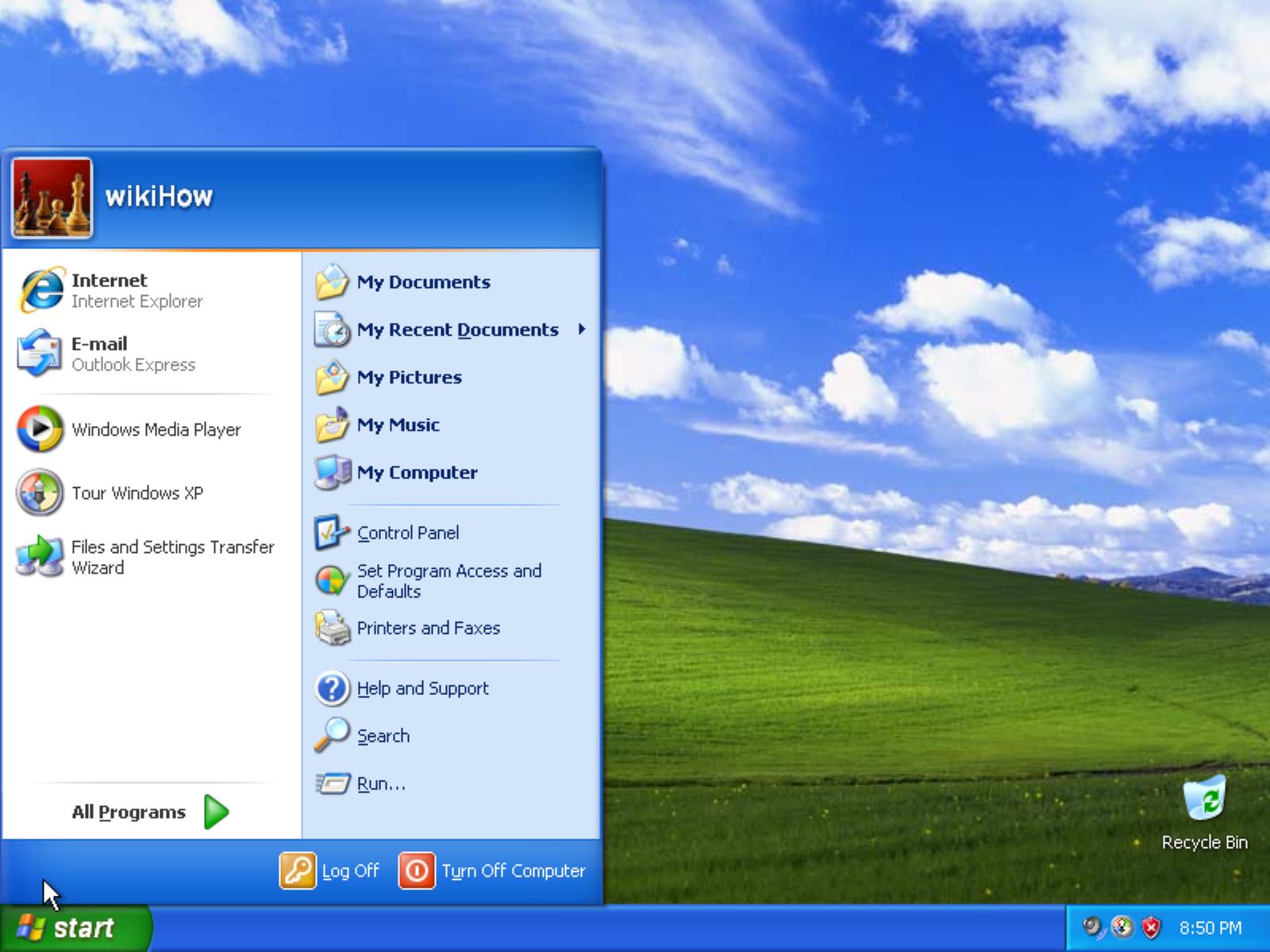
Windows XP-NOT SUPPORTED - This operating system is out of support and Microsoft recommends you move to a supported operating system such as Windows 10.
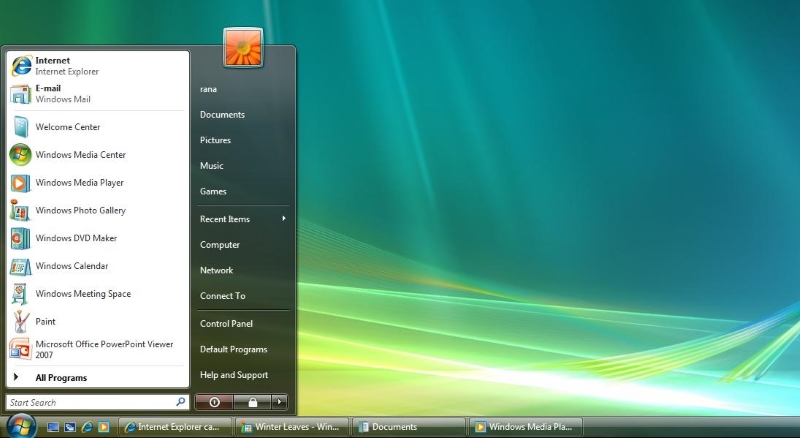
Windows Vista-NOT SUPPORTED - This operating system is out of support and Microsoft recommends you move to a supported operating system such as Windows 10.
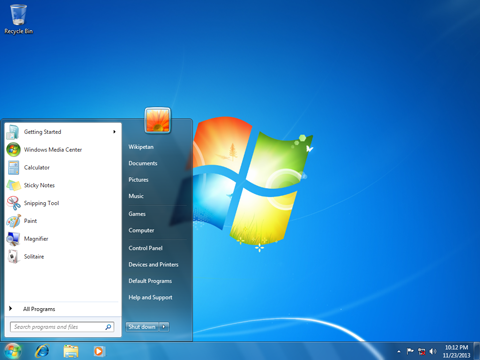
Windows 7: Is only supported using Microsoft Edge until January 15, 2023. This operating system is out of support and Microsoft recommends you move to a supported operating system such as Windows 10.
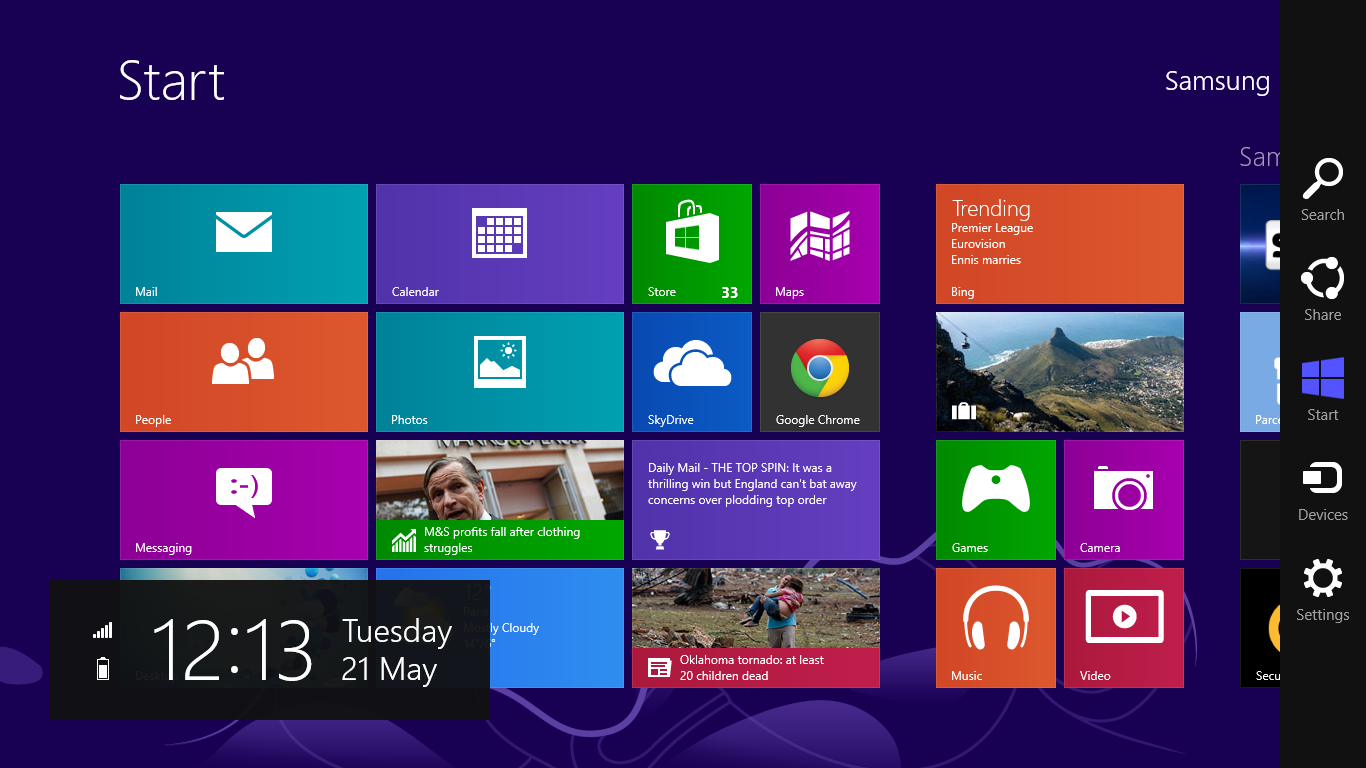
Windows 8: Is only supported using Microsoft Edge
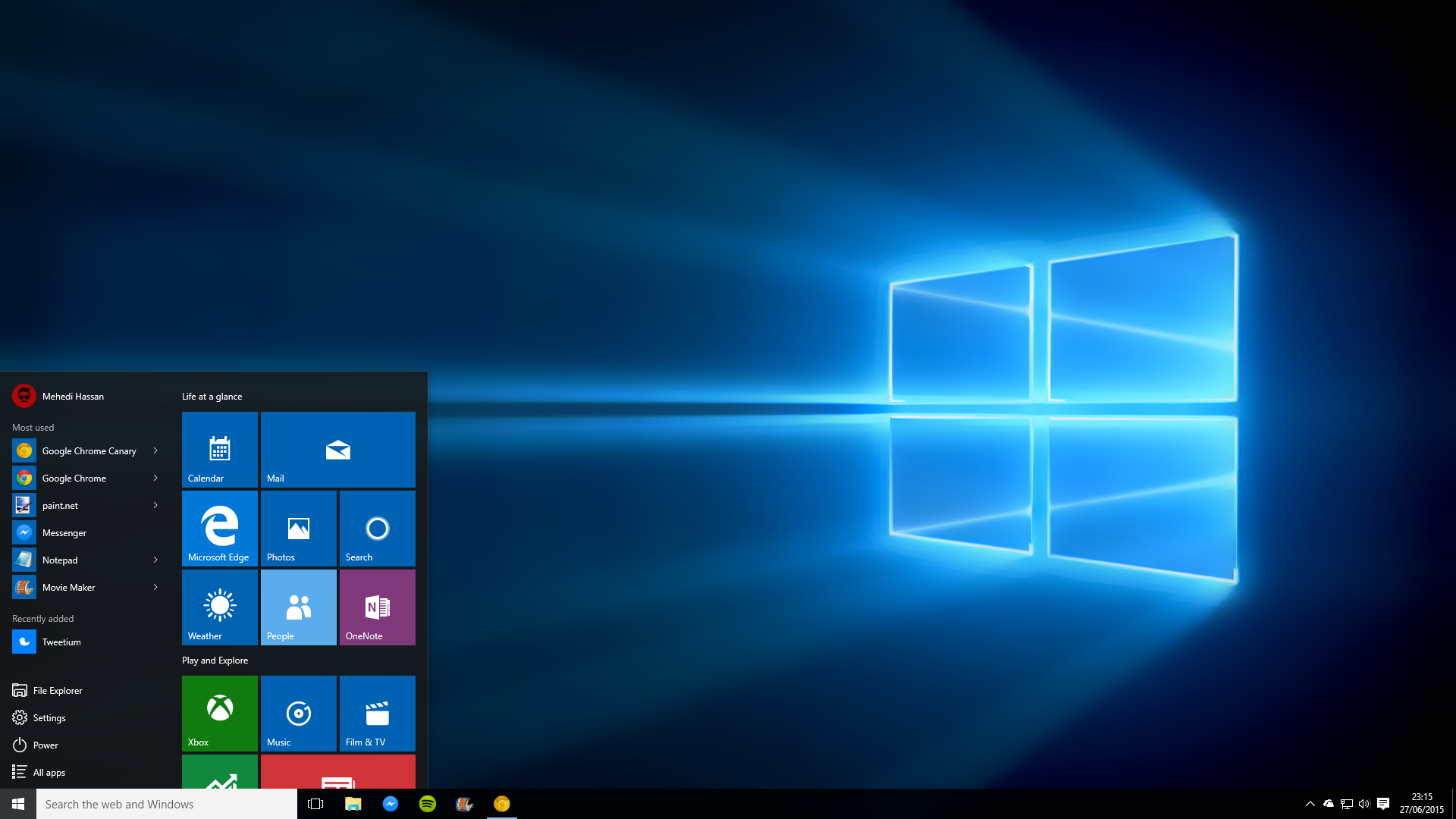
Windows 10: Is only supported using Microsoft Edge and Google Chrome. Firefox can be used but some functions may not work properly on this browser.