

Per our terms of closure, if your account has been closed for a year or more, the data within will have been purged.
Getting started:
Access the login screen from www.CashPractice.com
Enter your account log-in information. If you are not able to remember your username and password, please see the links below:
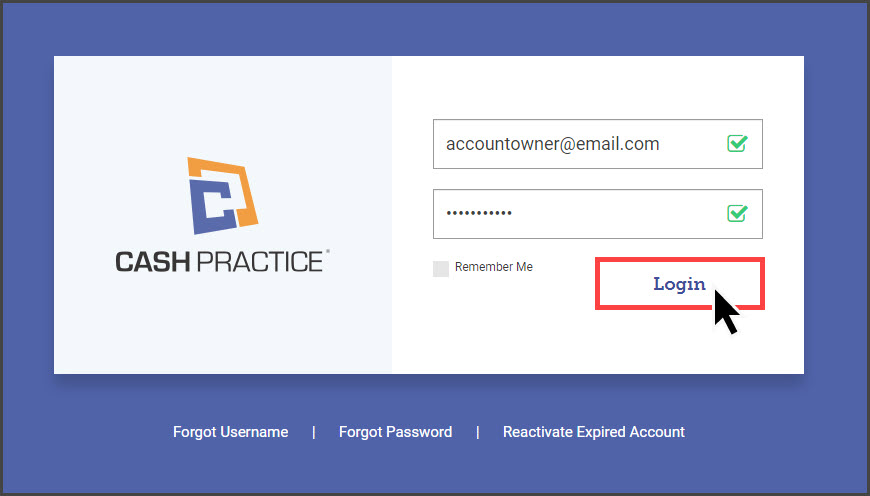
*Note: You must be signed in as the administrator on the account or have permission to access this portion of the site.
Step 1: Select which Systems you will need, and select [Next Step].
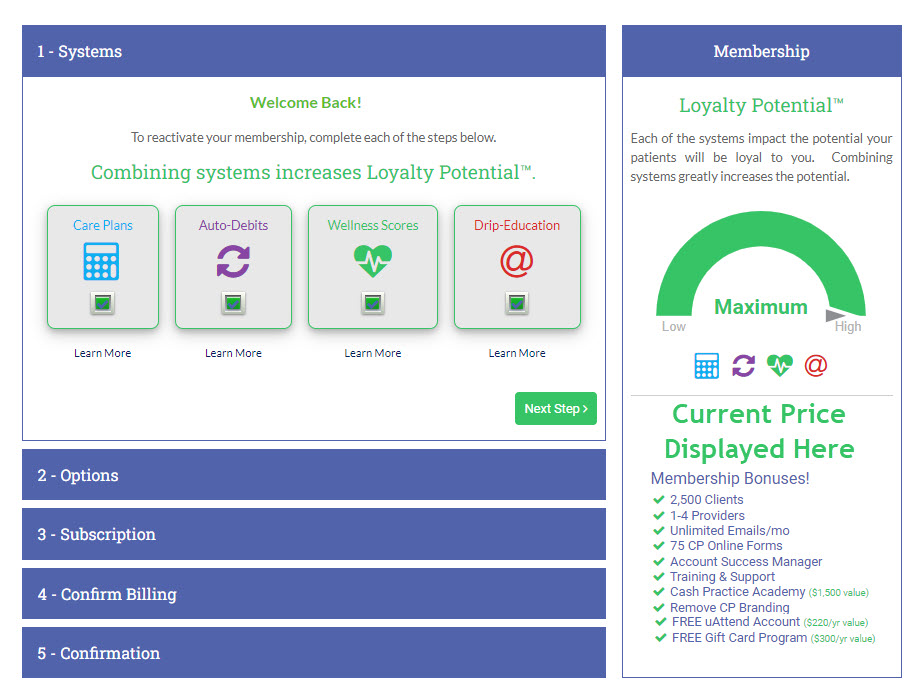
Step 2: Review options for the number of active patient spaces and license options. Click [Next Step].
Step 3: Confirm or change your previous subscription schedule. We offer monthly, quarterly, and yearly payments.
Step 4: Confirm or re-enter your Billing Information for the membership dues, and add the Credit Card information.
Step 5: Confirm the information and select the [Authorize Payment] button.