
Multiple merchant accounts are used for keeping deposits separate for multiple providers or different parts of a business. For more information on adding multiple merchant accounts, contact our Merchant Services Department by phone at (877) 343-8950 x105) or email MerchantAccounts@CashPractice.com
Getting started:
To view full instructions on how to schedule recurring payments, refer to this article: Processing: How do I schedule an auto-debit or recurring payments?
Step 1: After you filled in the required information for the recurring payment, select the preferred Merchant Account to direct where the deposits are processed and deposited.
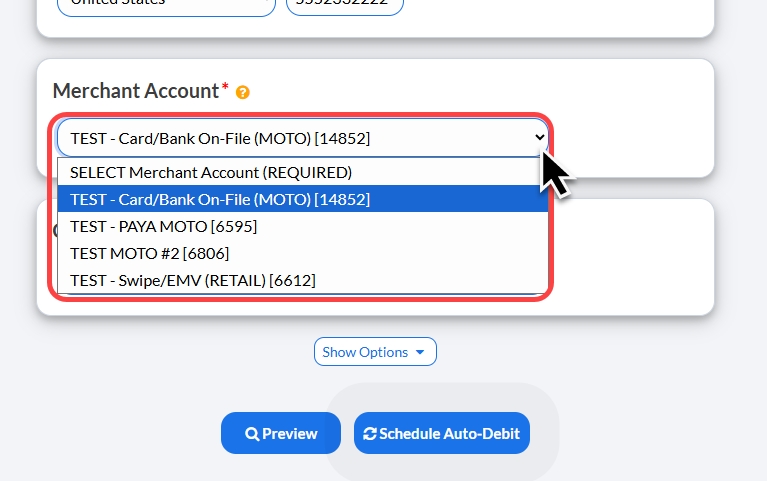
Step 2: Click the [Schedule Auto-Debit] button.
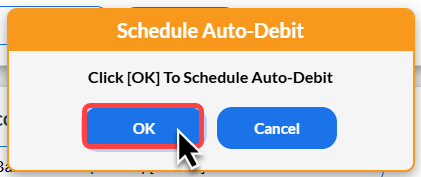
Step 3: Click [OK] in the pop-up box to proceed.
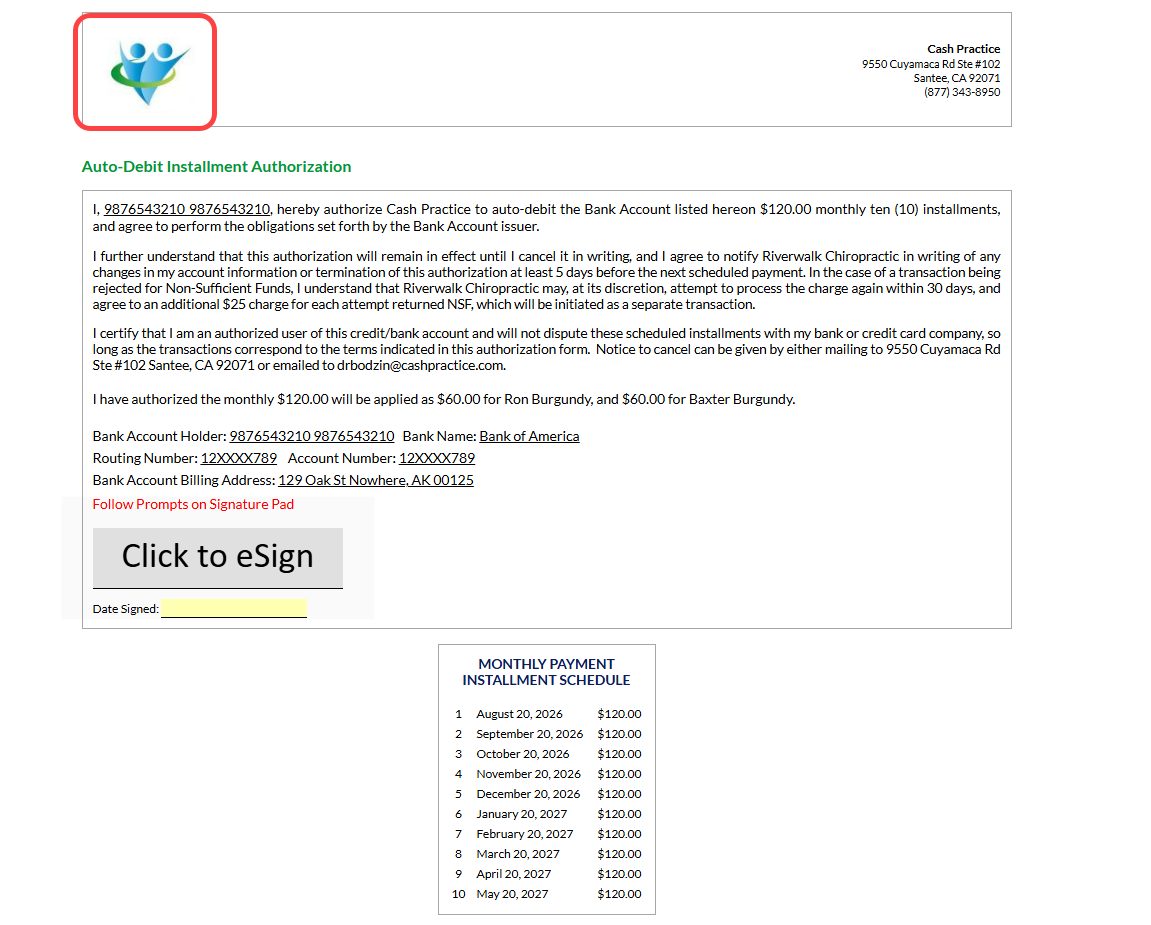
Step 4: Print the Auto-Debit Installment Authorization form by clicking on the [Logo] located on the left side of the page.
(OPTIONAL) Capture the [e-signature] from the patient.