Multiple merchant accounts are used for keeping deposits separate for multiple providers or different parts of a business. For more information on adding multiple merchant accounts, contact our Merchant Services Department by phone at (877) 343-8950 x105) or email MerchantAccounts@CashPractice.com
Getting started:
View full instructions on how to process payments through the Virtual Terminal, refer to this article: Processing: How do I use the Virtual Terminal?
Step 1: After you have filled in the required information for the one-time payment, select the preferred Merchant Account to direct where the deposits are processed and deposited.
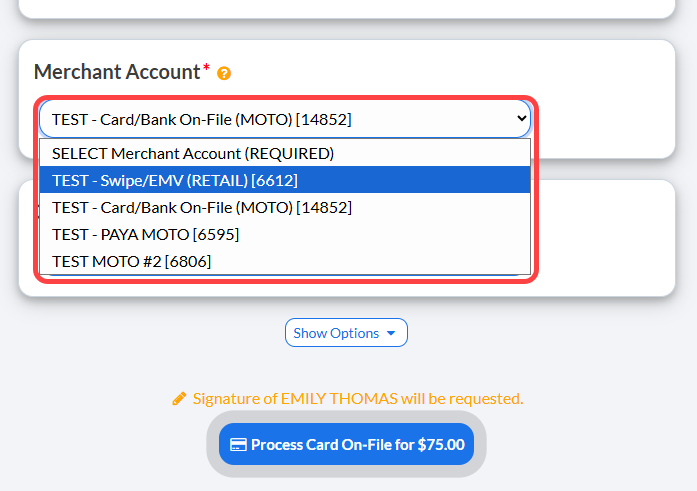
Step 2: Click the [Process] button at the bottom of the screen.
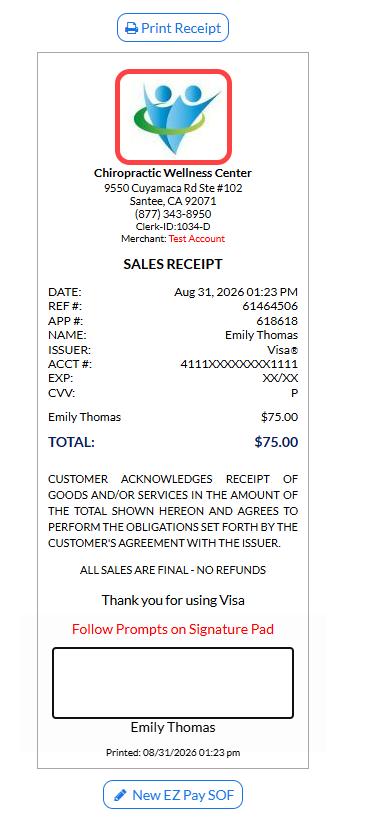
Step 3: Print the receipt by clicking on the [Logo] or selecting the [Print Receipt] button.
(OPTIONAL) Capture the [e-signature] from the patient.