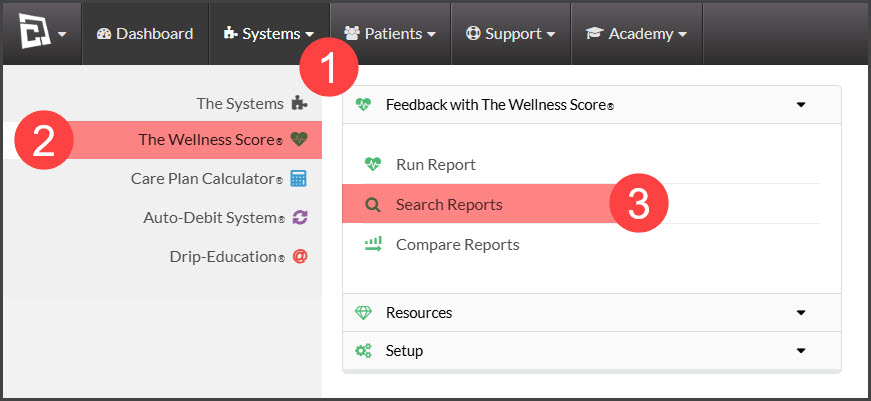
Step 1: Hover over the [Systems] menu → click [The Wellness Score®] → under [The Wellness Score®], click on [Search Reports].
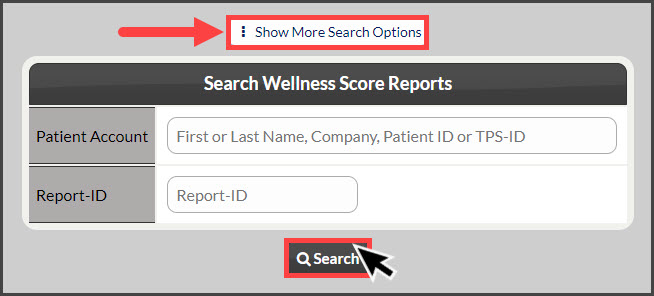
Step 2: Refine the search options to view the score you are looking to print→ click the [Search] button.
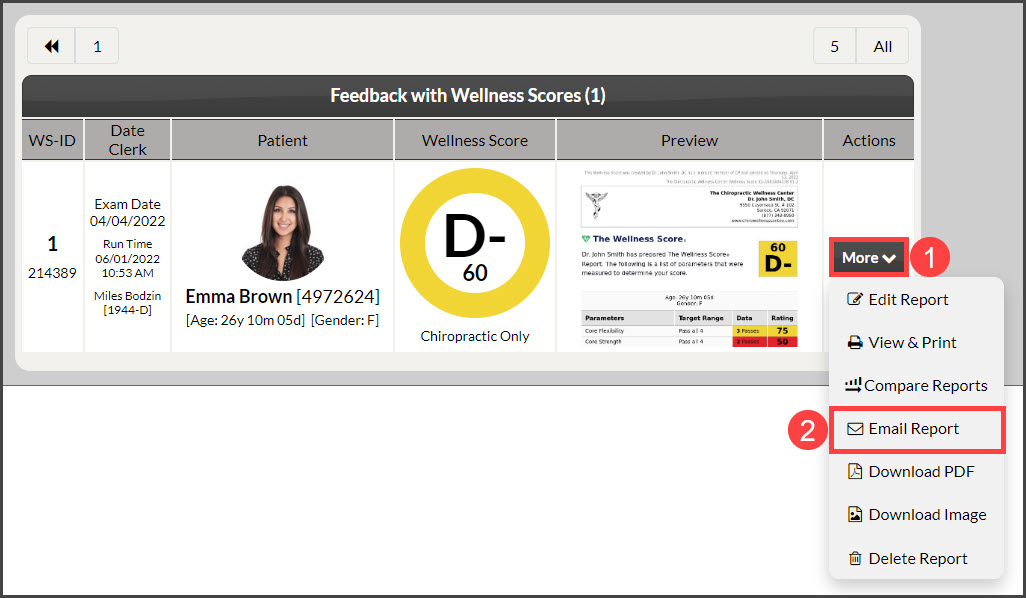
Step 3: In the [Actions] column→ click on the [More] button→ Select [Email Report].
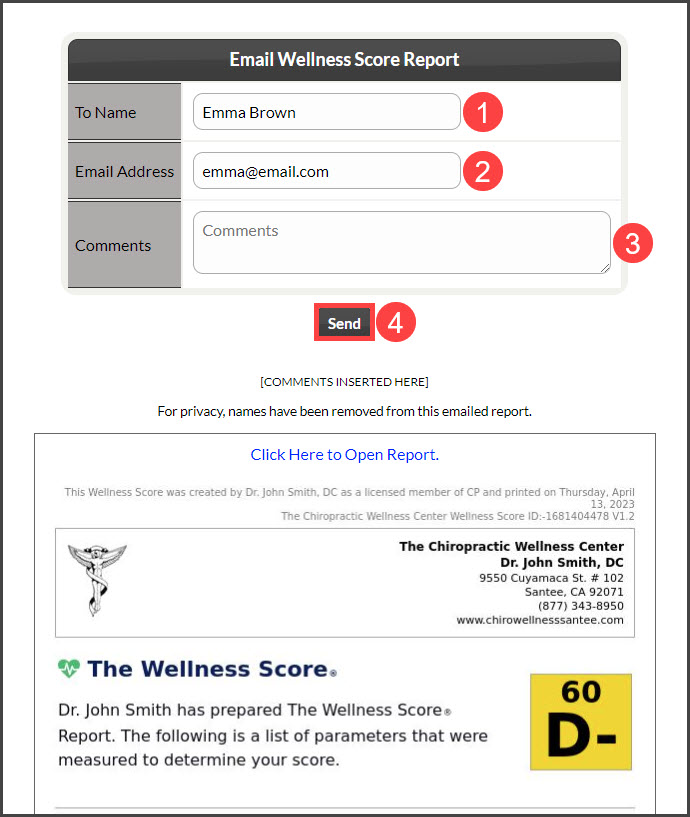
Step 4:
To Name: The patient name will pre-populate; confirm or change it here
Email Address: Confirm the email address or enter one if needed.
Add comments (optional)
Click the [Send] button.