

Step 1: From the top right your Dashboard, select the "Generate Pay Now Link" shortcut.

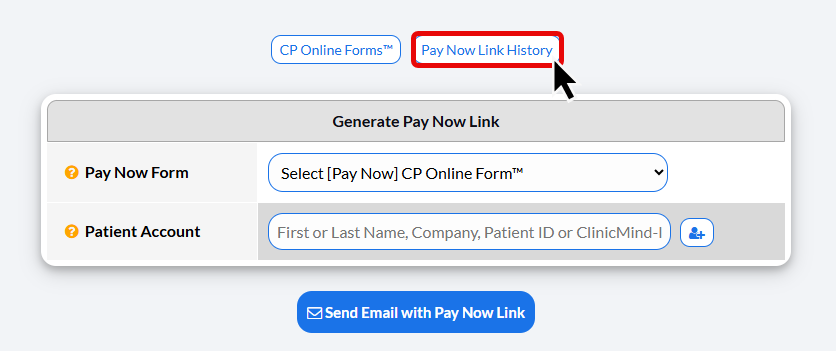
Step 2: Click the [Pay Now Link History] button at the top of the page. This will open up a search query for your pay now link history.
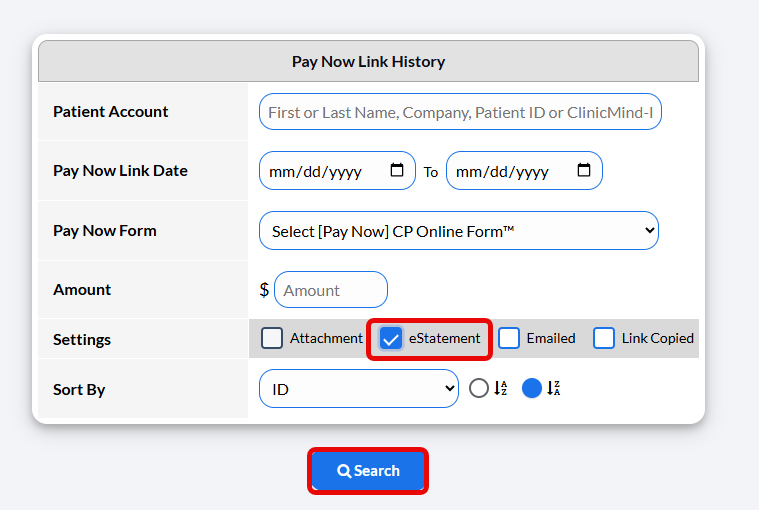
Step 3: Select the checkmark box next to [eStatement].
Here, you may also enter additional criteria to filter your search.
Then click [Search].
Step 4: On your Pay Now Link History Report, you will see your results.
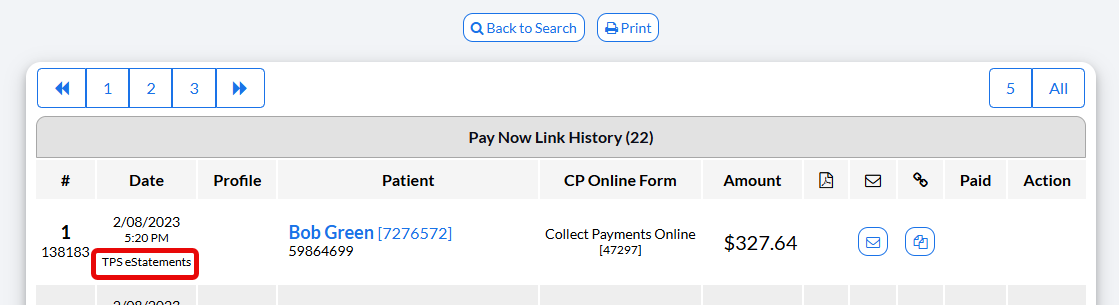
If the statement was paid using the online payment form, you will see a date and time-stamp in the Paid column. You can view the payment in the Posted Payments Report by clicking the [View] button in the Action Column.
