To optimize your front desk workflow, establish a consistent routine for manually posting payments in your EHR (Electronic Health Record) system. Here are two effective approaches:
Real-time Posting: Post payments immediately after each transaction. This ensures up-to-the-minute accuracy and allows for instant statement generation if a patient requests it.
Batch Posting: Post payments twice a day – once after the morning shift and again after the afternoon shift. This provides a structured approach while still maintaining a reasonable posting frequency.
Efficiency Tips
Dual Monitors: Utilize two monitors to facilitate quick and efficient payment lookup and posting.
Daily Reconciliation: Verify that the total payments in Cash Practice (found at the bottom of the End of Day transaction report) match the total payments recorded in your EHR. This helps identify and rectify any discrepancies.
Accessing Daily Transactions
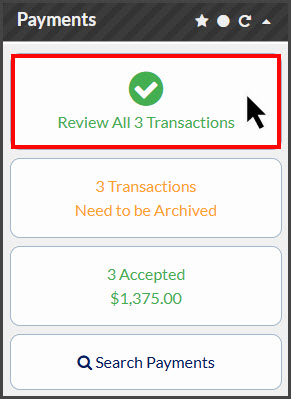
View your daily transaction report by clicking the "[Review All X Transactions]" button located in the "[Payments]" section of your Cash Practice Dashboard.