Getting started:
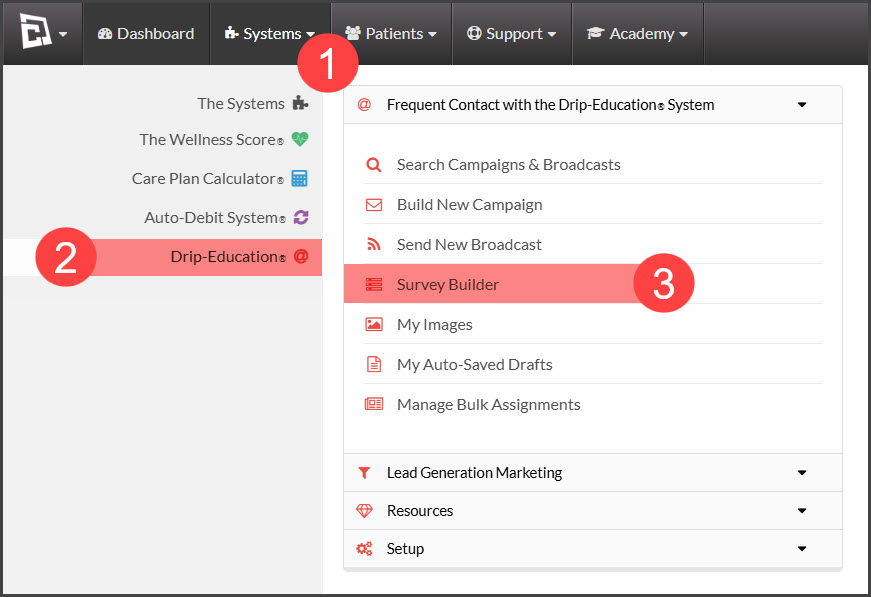
Step 1: From the [Systems] menu → select [Drip-Education] → click on [Survey Builder].
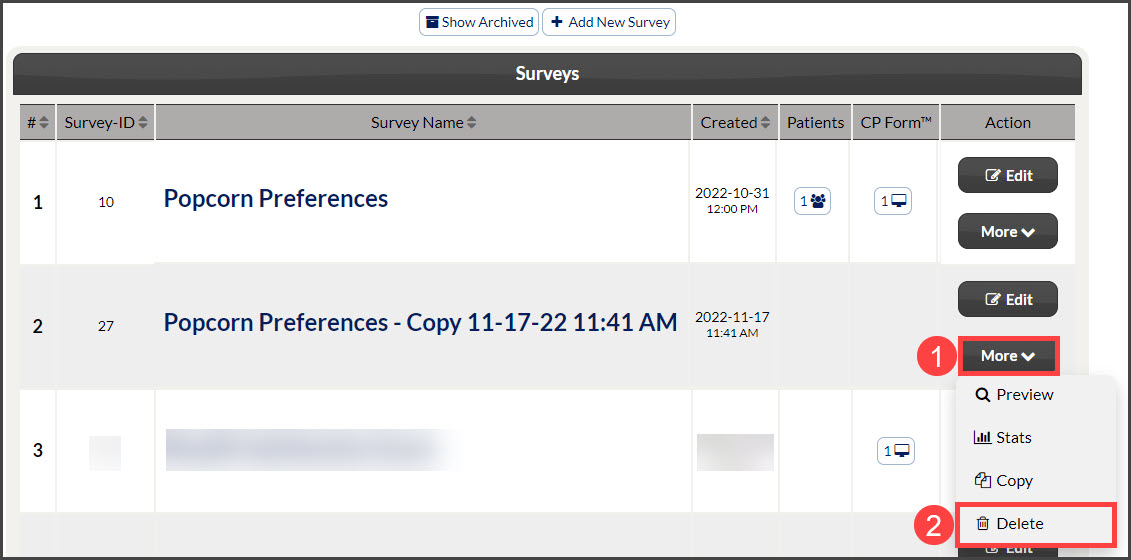
Step 2: Locate the survey needing to be archived/deleted → click [More] and select either [Archive] or [Delete]. If the survey has been filled out, then the drop-down menu will say [Archive]. If the survey has not been filled out before, the drop-down menu will say [Delete].
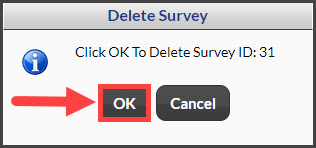
Step 3: Click the [OK] button to archive or delete the survey.