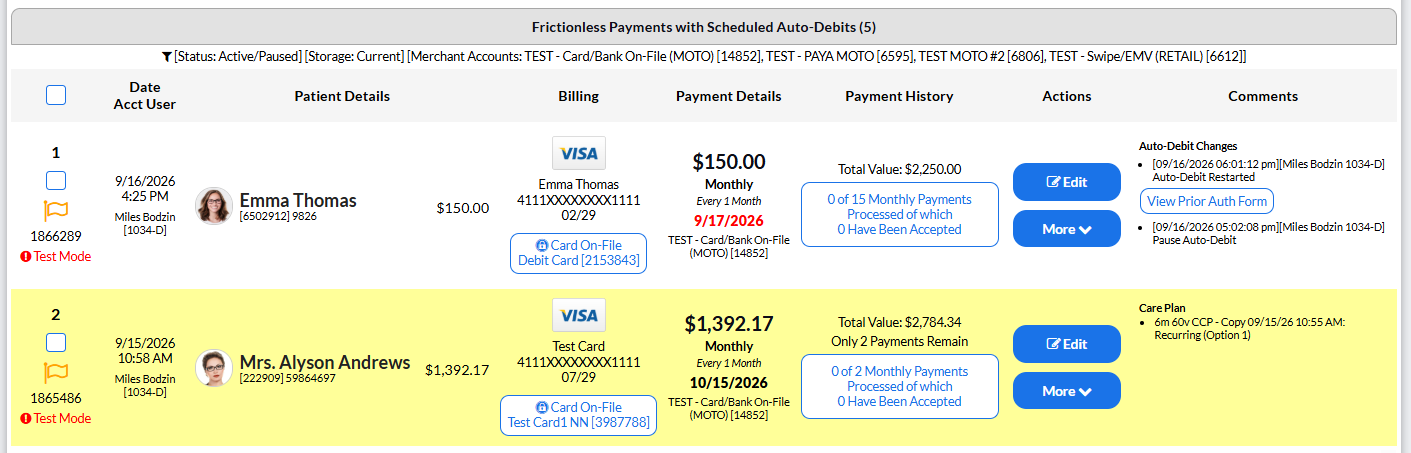
Step 1: From the right side of the Dashboard, click on the [Search Auto-Debits] button.
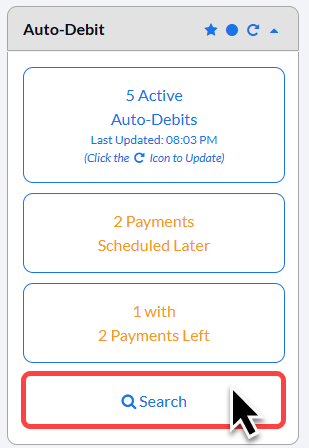
Step 2: Enter the search criteria. For more search options select [Show More Search Options].
Then click [Search].
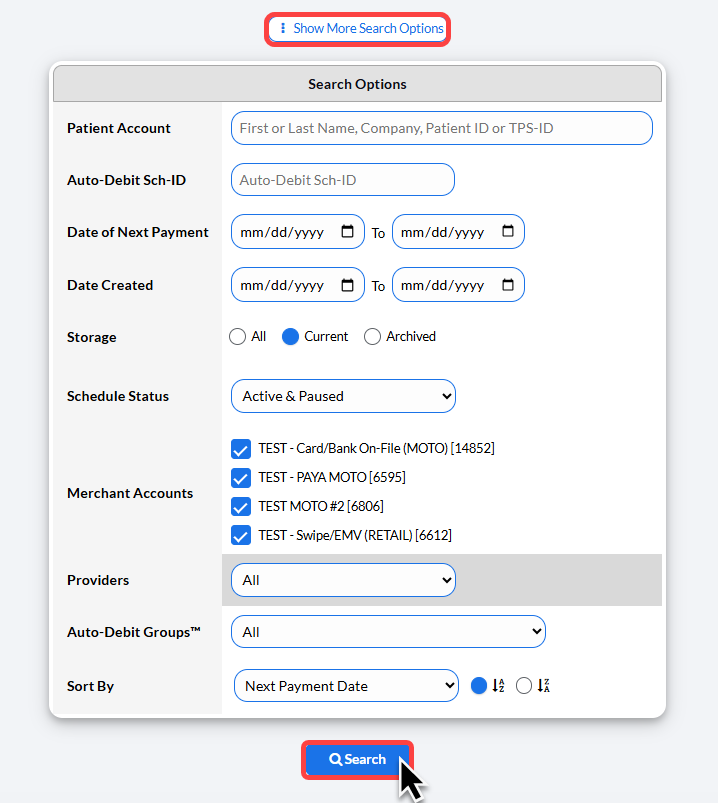
The example below shows the search results, which display the scheduled auto-debit.