Next: How to Restart a Paused Auto-Debit
Getting started:
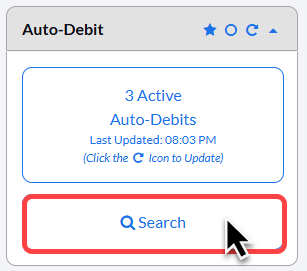
Step 1: From the [Dashboard], click on the [Search Auto-Debits] button on the right side of the page.
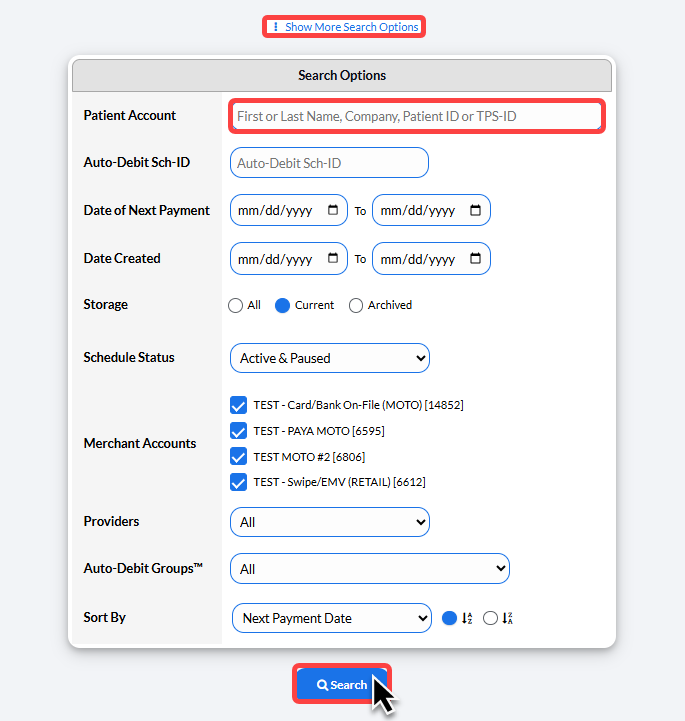
Step 2: Define your search criteria.
Enter the patient's name and click [Search].
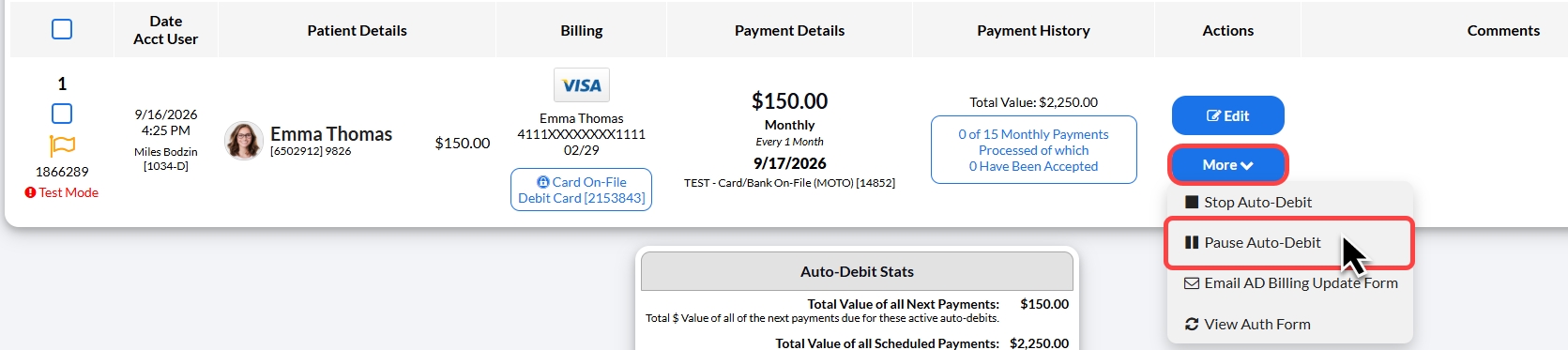
Step 3: Click on the [More] drop-down menu, then click on [Pause Auto-Debit].
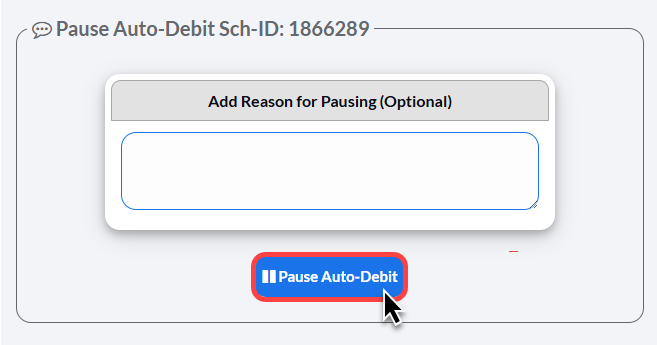
Step 4: A pop-up window will appear with the option to add a comment/reason why this is being paused.
Click [Pause Auto-Debit].
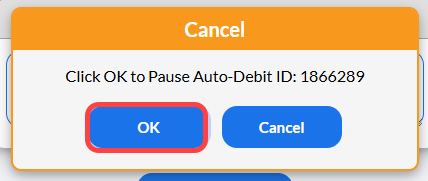
Then, Click [OK] to proceed.
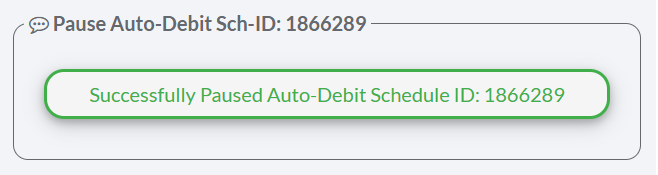
Step 5: The scheduled auto-debit will now be paused. It can be restarted by clicking the [Restart] button on the Auto-Debit as shown below: