

Getting Started:
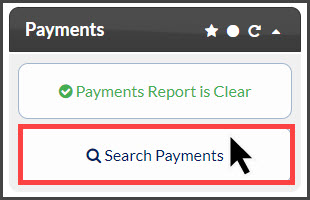
Step 1: From the Dashboard, click on the [Search Payments] button under the "Payments" section.
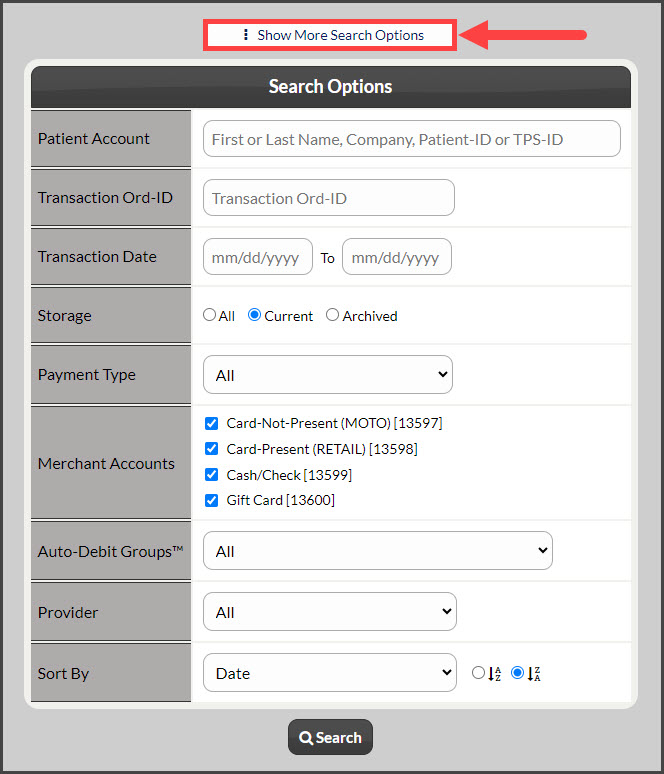
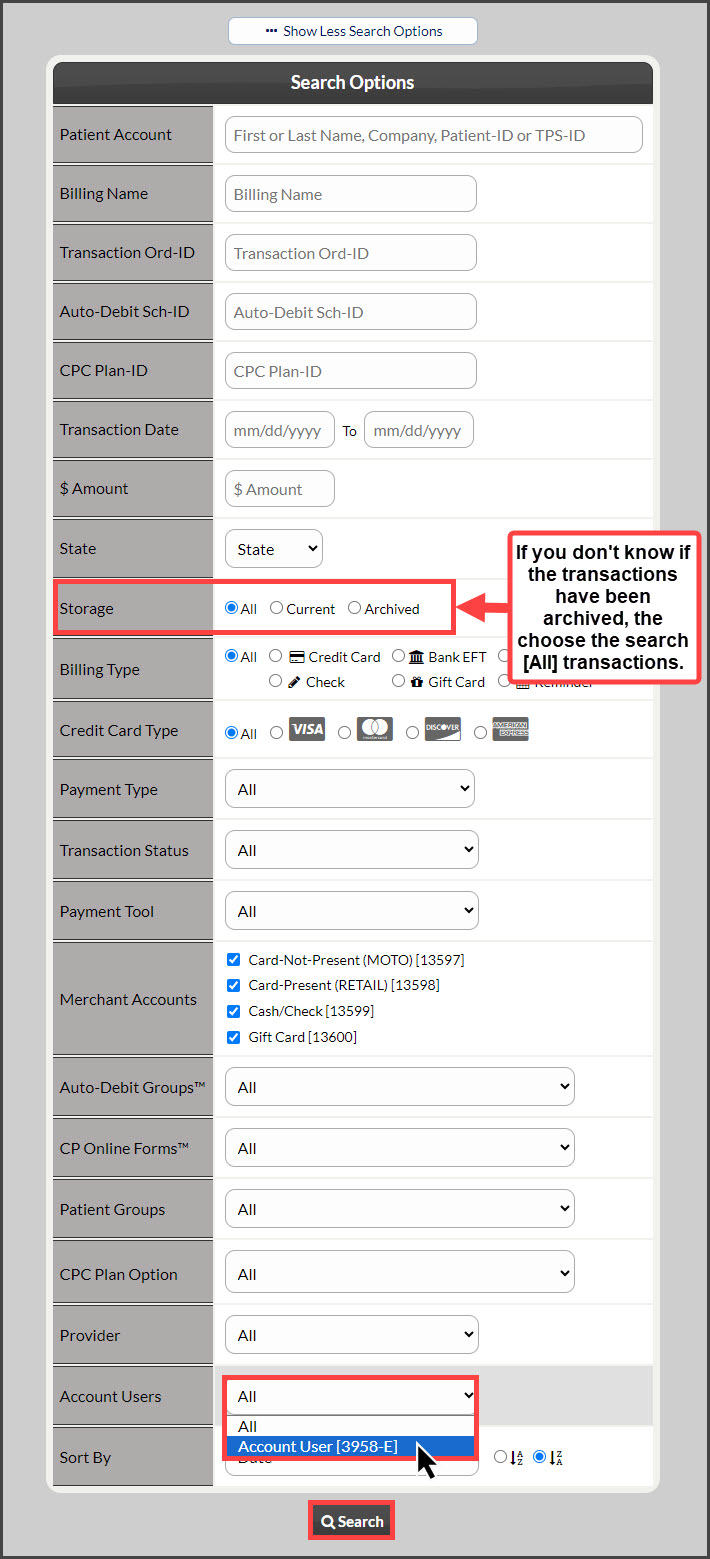
Step 2: Click on the [Show More Search Options] at the top-middle, add in the search criteria of your choosing → click on the [Account Users] drop-down menu to select a specific account user → click [Search].
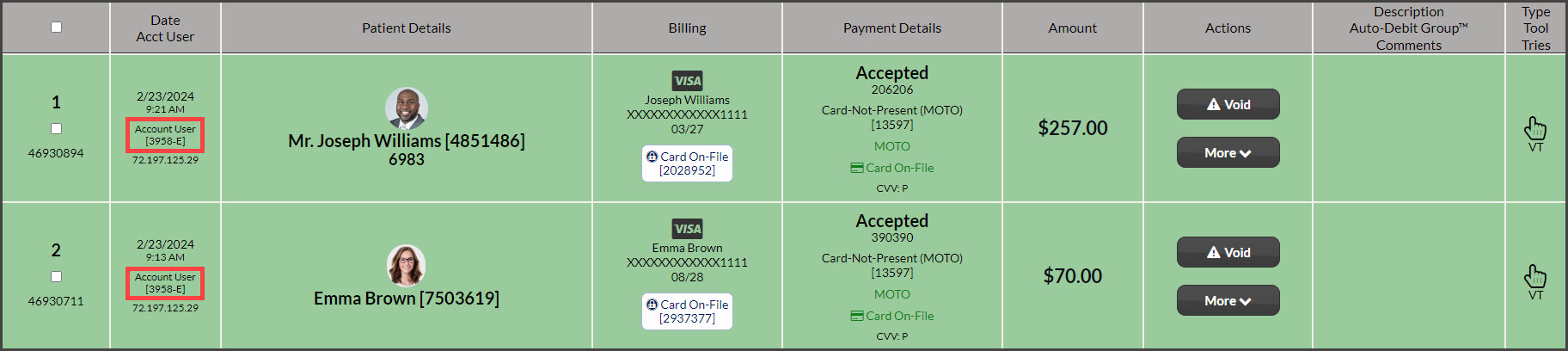
Step 3: Your report of all transactions processed by this user account will load.
If you need to print this report, click on the [Printer Friendly Reports] button in the top, right-hand corner, select one of the printable report options → then click on your company logo to print.