

Getting Started:
Step 1: You must first link the patients together by following the instructions outlined in this article:
Manage Patients: How do I link/unlink patients?
Step 2: In this example, we will be in Mom, Emily's account.
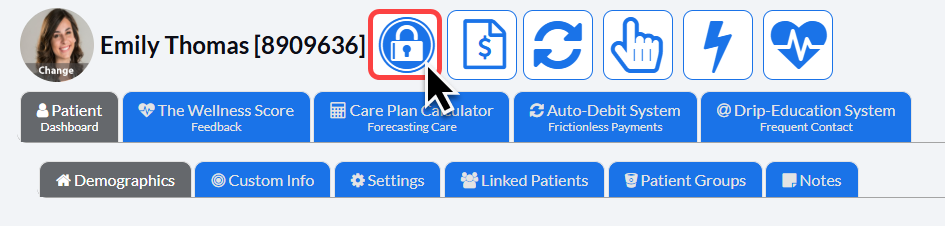
Select the patient's [Billing Vault] icon at the top of their patient record.
Step 3: Check the boxes for which linked patients/family members will have this card shared with them. This will automatically update each time you select a box.
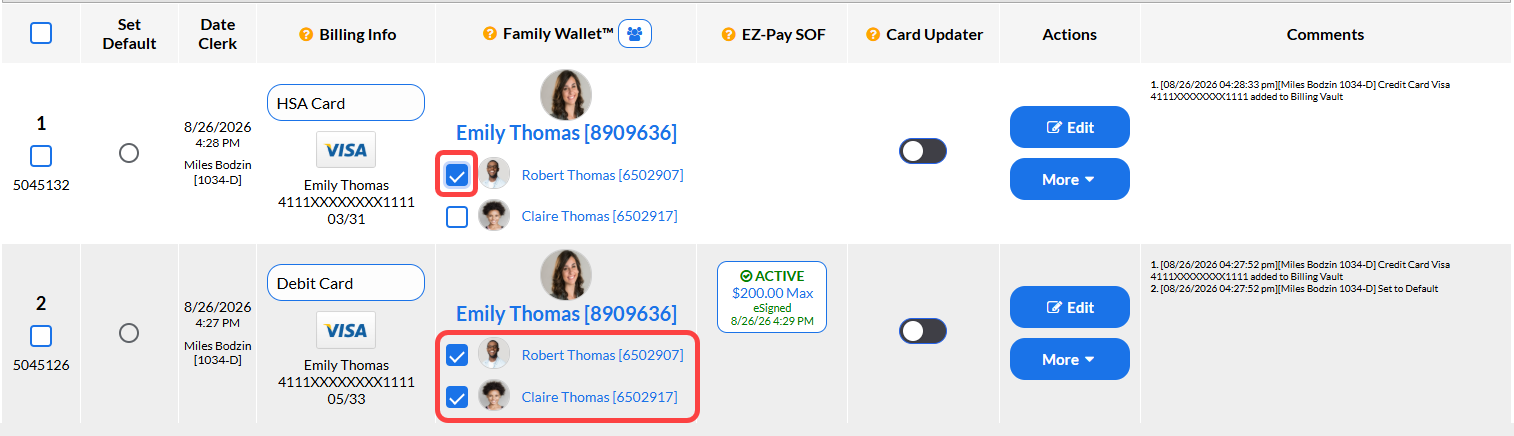
In this example, we are sharing Emma's HSA card with her husband, Robert. And her debit card was shared with her husband, Robert, and their child Claire.