

At times, it becomes necessary to onboard a new patient without immediately processing a payment. This article outlines the streamlined procedure for adding new patient accounts into Cash Practice, swiftly and efficiently. This method ensures the patient's account is promptly prepared for use, without the initiation of a charge.
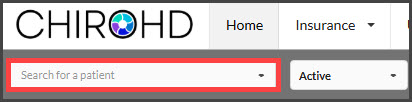
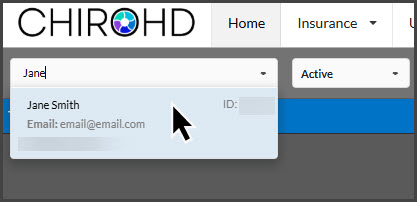
Step 1: In ChiroHD, use the [Search for a patient] field to the left of the schedule to locate the patient and select them from the drop-down menu.
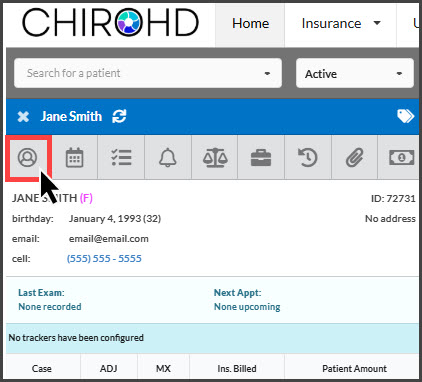
Step 2: Once loaded, click the [Profile] button.
Step 3: Then, select the [Cash Practice Contact] button.
This will open the patient record in a new window, displaying their account details. For patients who did not have an existing Cash Practice patient record, this will automatically create one for them, using their demographic information and TPS ID that was stored within their ledger.

NOTE: Your patient's demographics will only sync to their Cash Practice patient record the first time you trigger the automatic creation of their patient record. This means, if you collect any new demographics from your patient, you will need to access their Cash Practice patient record and manually update their record.