Logo

Cash Practice® Systems Help Center

Search our knowledge base to get answers to your questions, access video training & more!

Managing Campaign: How do I use a copy of an email campaign from the Drip-Ed Campaign Library?

Drip-Education® Email Marketing System (Frequent Contact)

Managing Campaign: How do I use a copy of an email campaign from the Drip-Ed Campaign Library?

The Drip-Ed Campaign Library is where you will go to 'check out' an email campaign and save it to your account. Once the campaign is saved into your account you will be able to use it as-is, edit or send it to your clients.

Last updated on 13 Sept, 2025

Image

Getting Started:

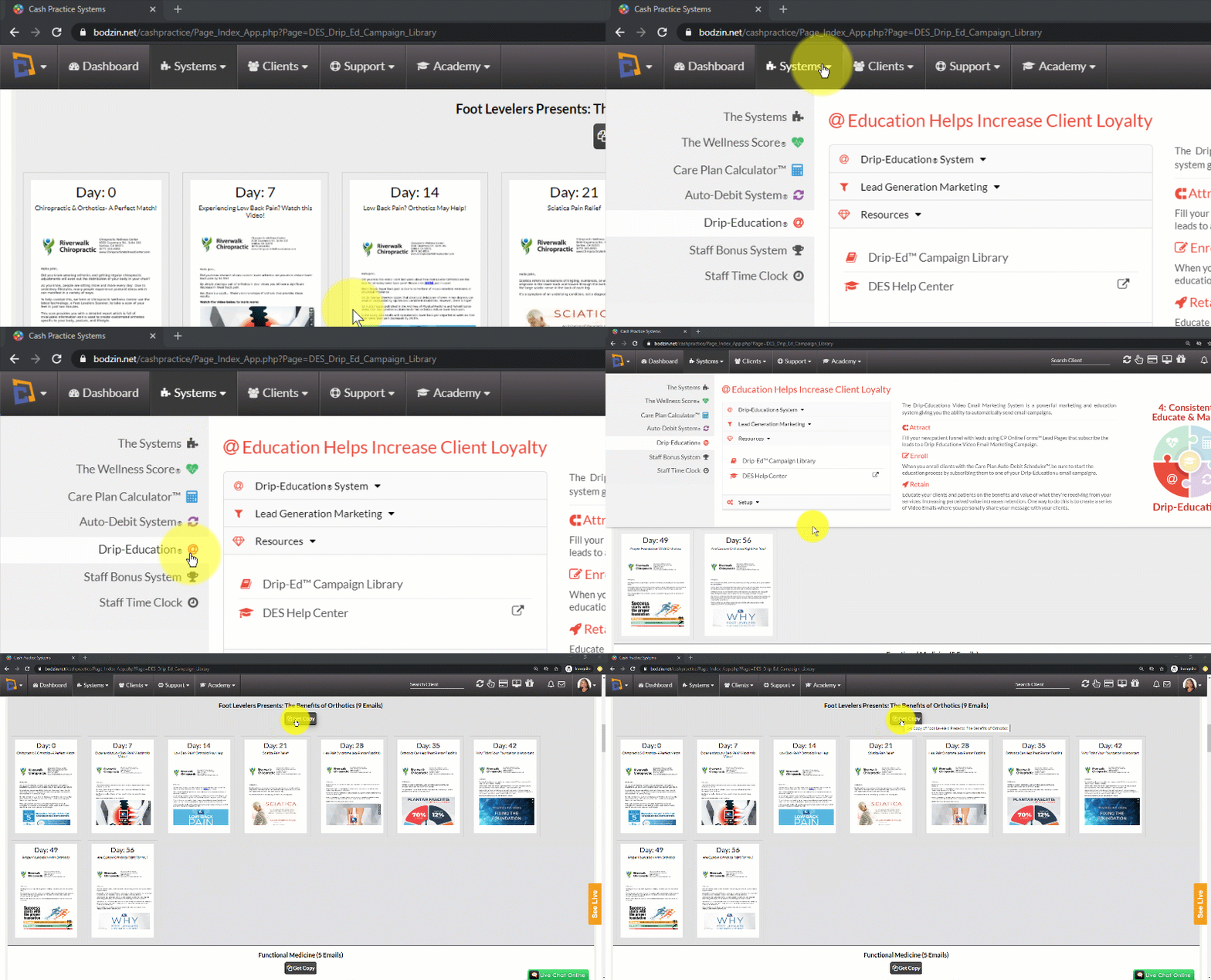
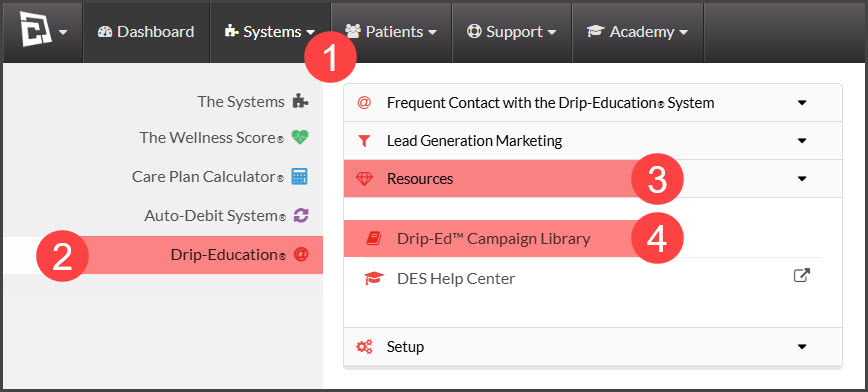
Step 1: Access the [Systems] menu → [Drip-Education®]→ [Resources]→[Drip-Ed™ Campaign Library].
Image

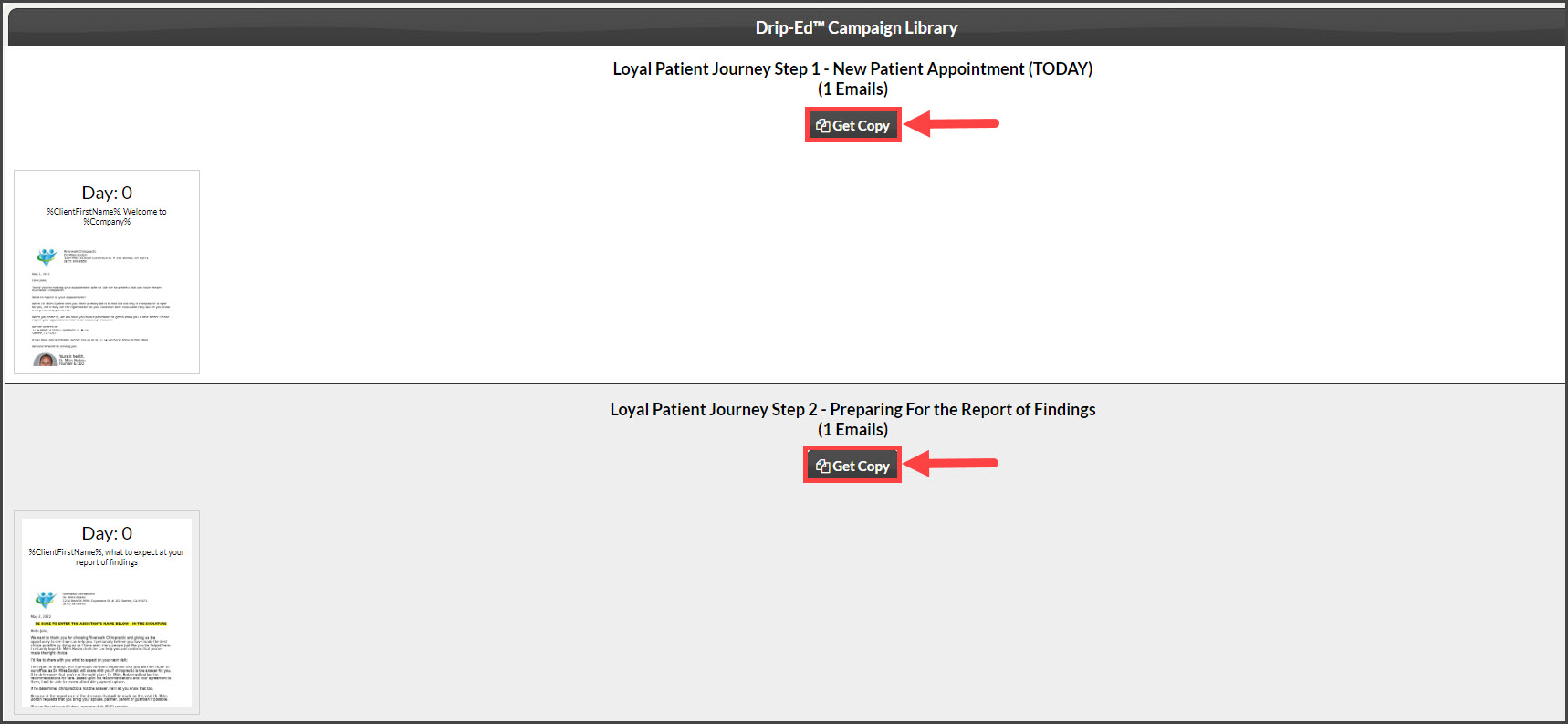
Step 2: Click the [Get Copy] button.

Image

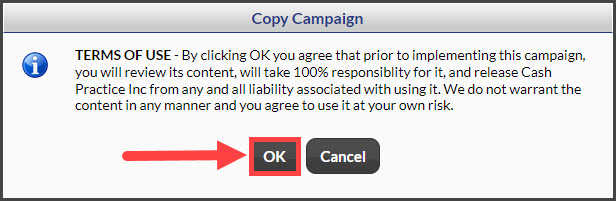
Step 3: Agree to the terms of use by clicking the [OK] button.
Image

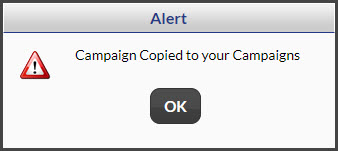
Step 4: Click [OK] on the alert that pops up confirming the campaign gets copied.
Image

Click HERE for instructions on how to find the copied campaigns. 

Did you find this article helpful?
Previous

Edit Campaign: How can I add a link to a campaign email?

Next

© 2026 Cash Practice Systems. All rights reserved.