

Getting started:
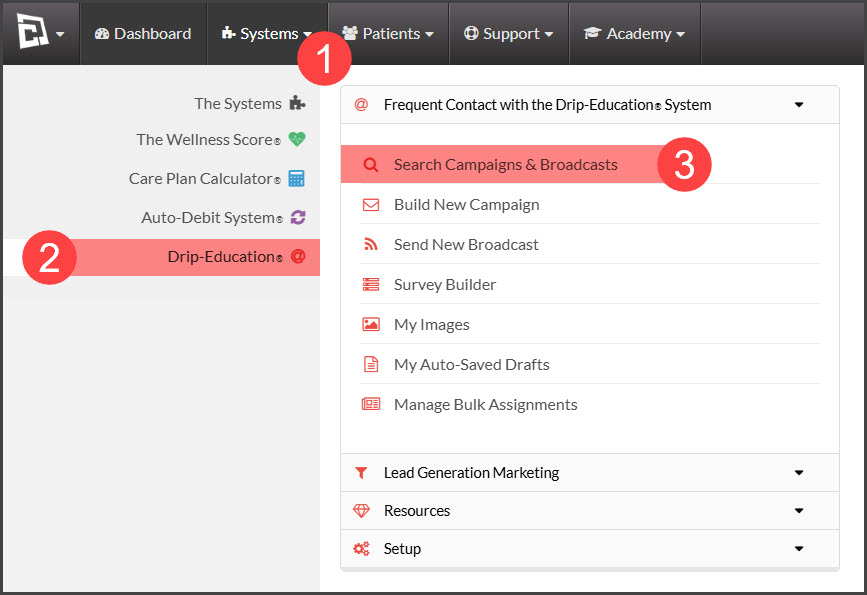
Step 1: Go to the [Systems] Menu → [Drip-Education®] → [Search Campaigns & Broadcasts].
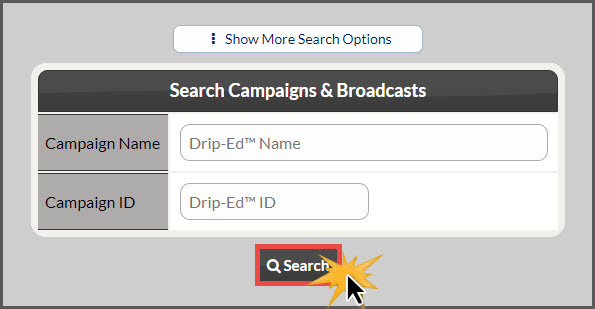
Step 2: Use the search options to refine the search for the campaign you are looking to add an email to → click the [Search] button.
Step 3: The campaign search will display → Click the [View/ Edit Campaign] button.

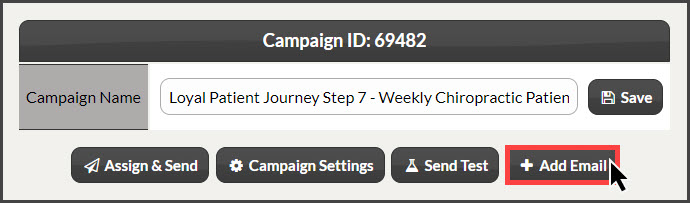
Step 4: The campaign settings will display → Click the [+Add Email] button.
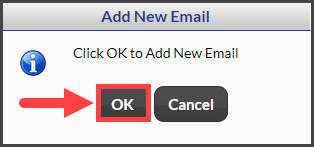
Step 5: Click the [Ok] button to add the new email→ the page will reload.
Step 6: The page will reload displaying the new email. You now can [Edit the email].