Step by step guide
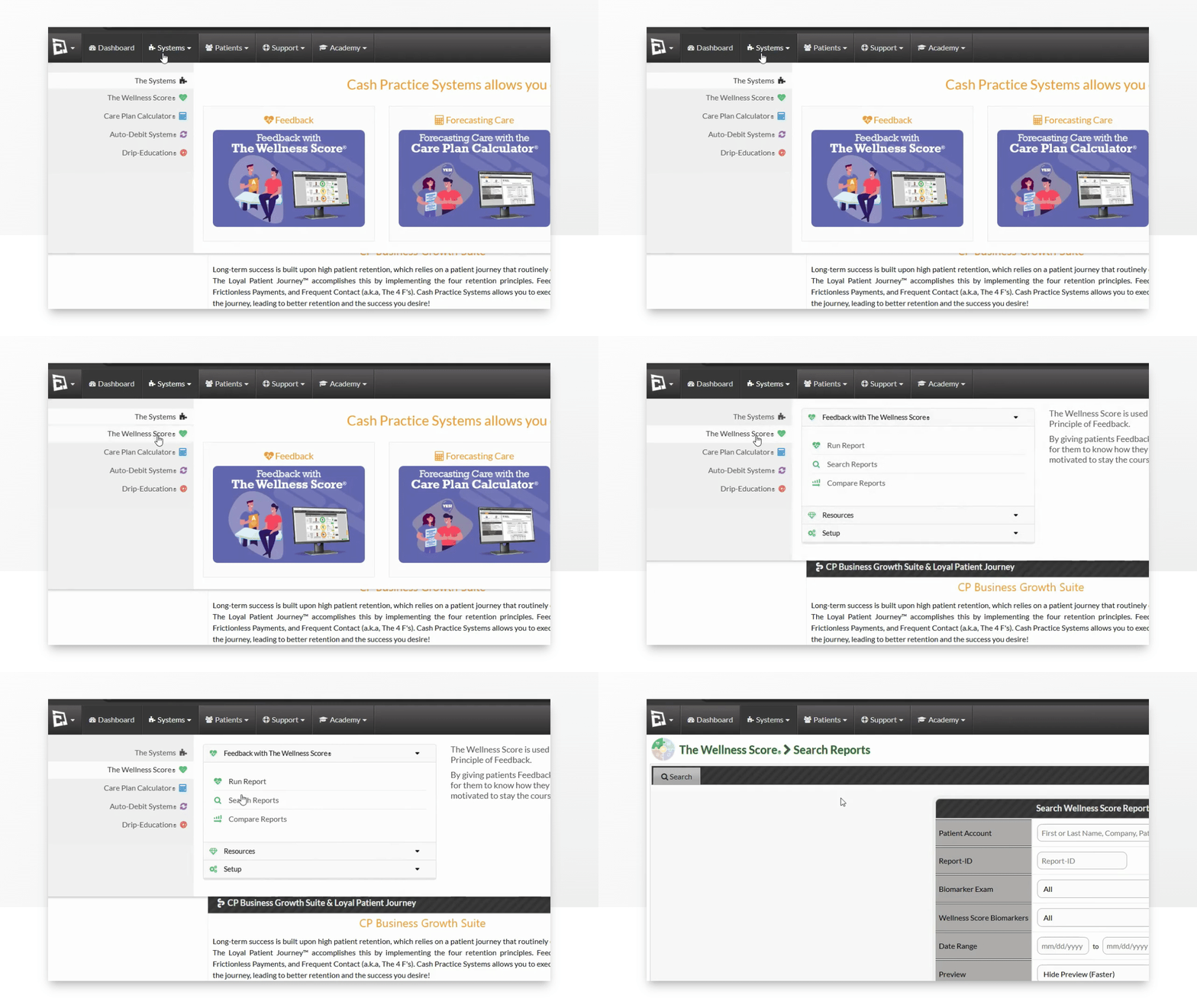
Step 1: Hover over the [Systems] menu → click [The Wellness Score®] → under [The Wellness Score®], click on [Search Reports].
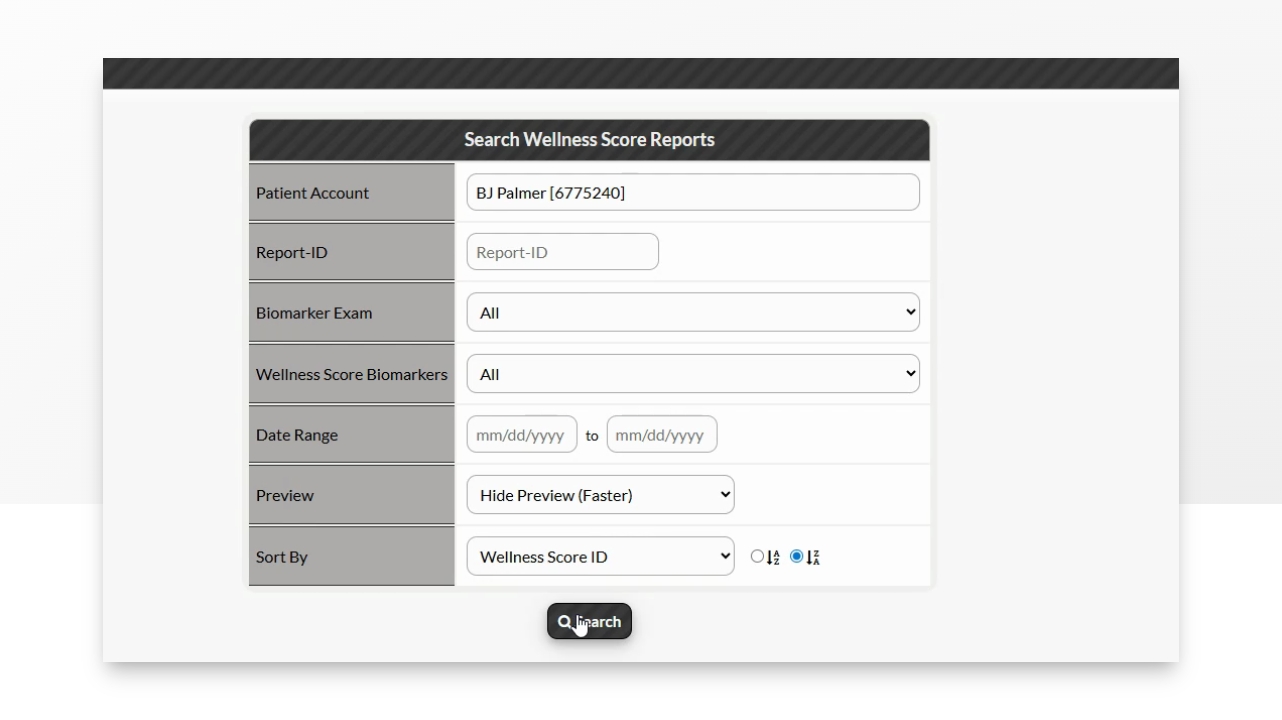
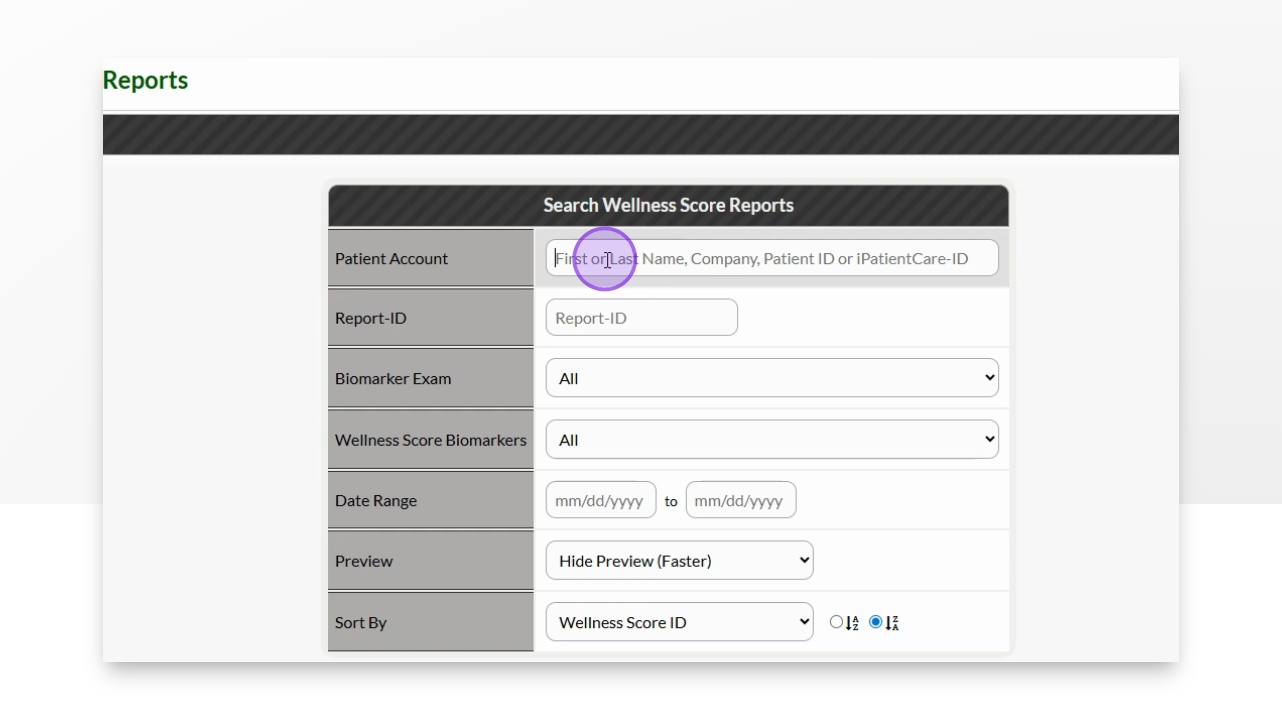
Step 2: Refine the search options to view the score you are looking to print→ click the [Search] button.
Step 3: In the [Actions] column→ click on the [More] button→ Select [Email Report].
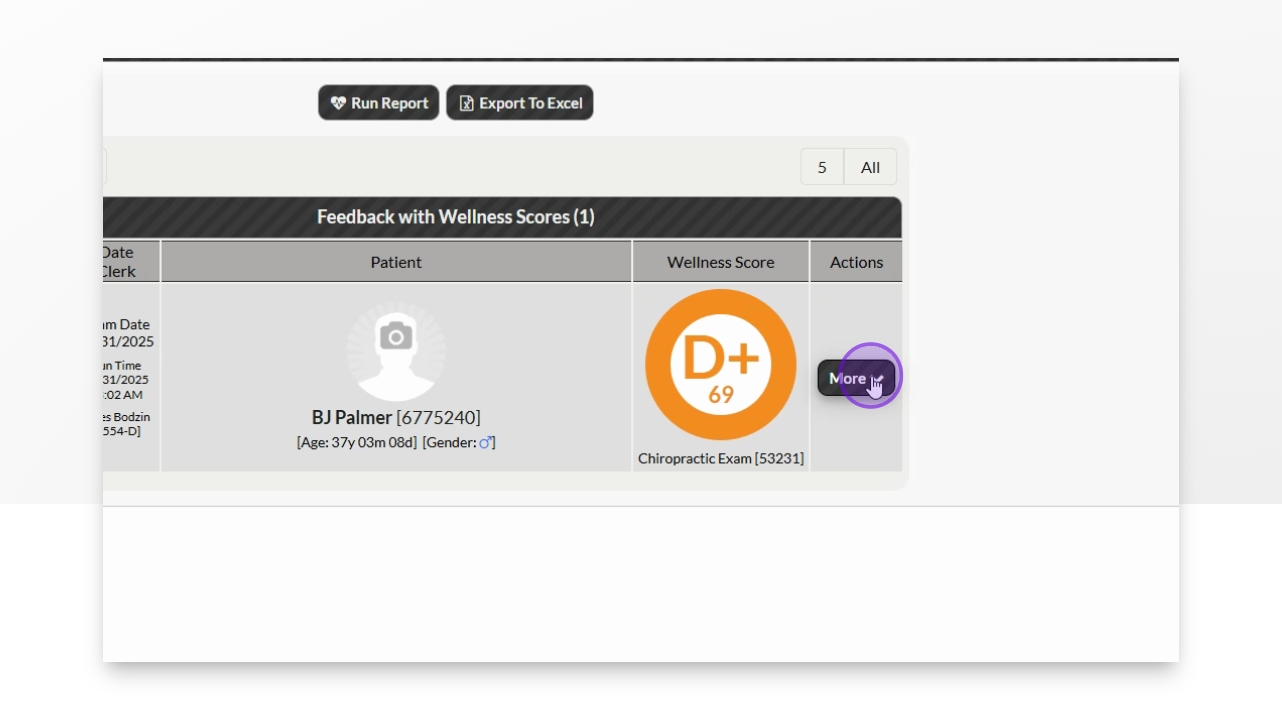
Step 5: Click More Dropdown
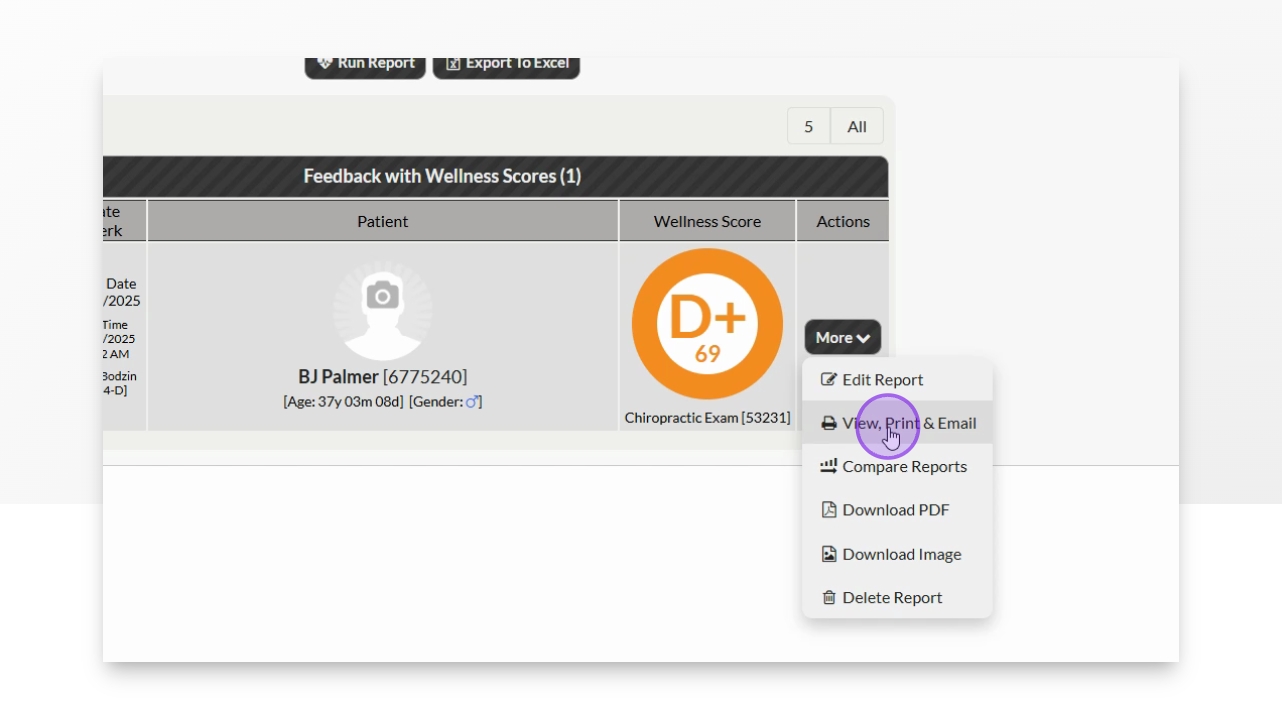
Actions menu appears for the report.
Step 6: Click View, Print and Email
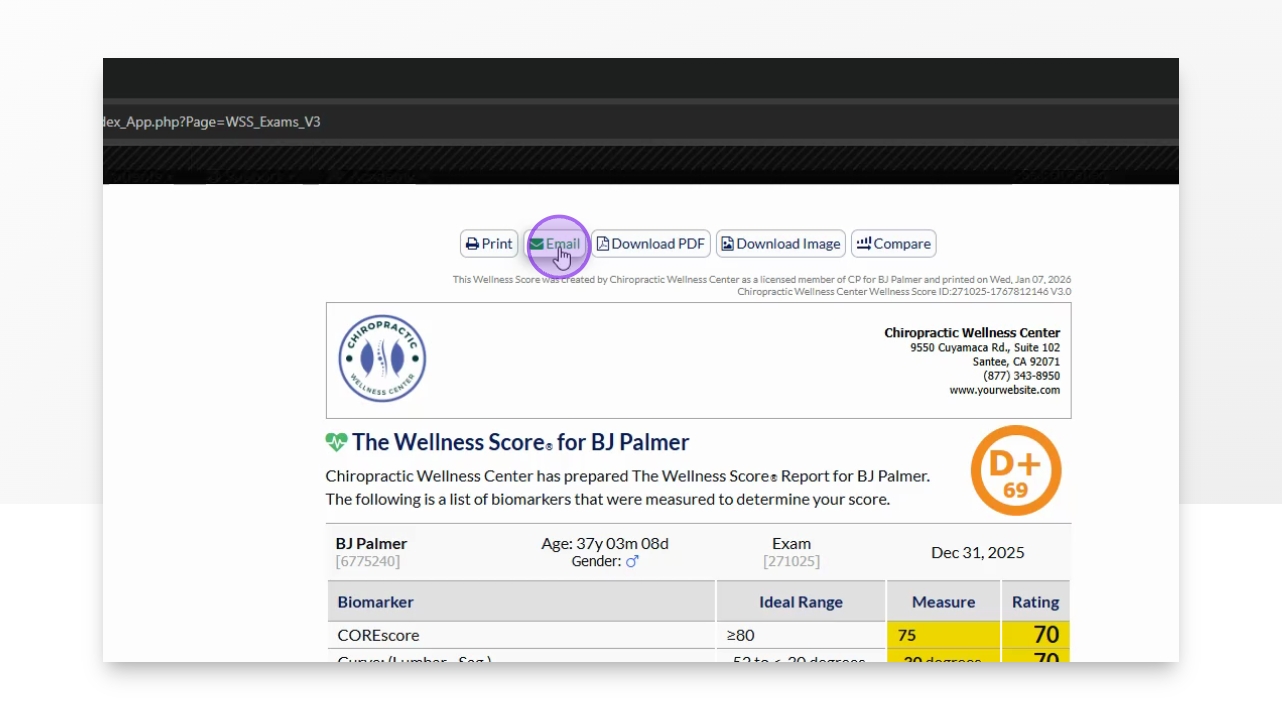
The email options are displayed.
Step 7: Select Email Option
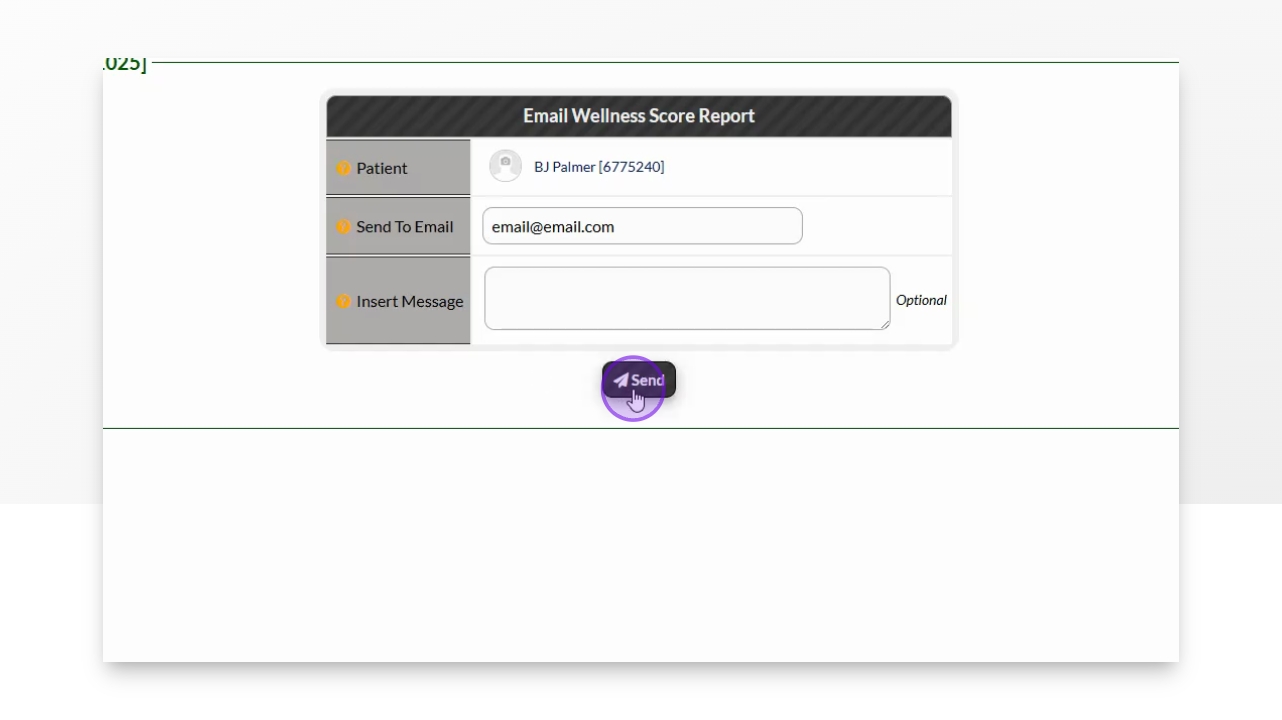
The email form preloads with patient email.
Step 8: Add Additional Comments
Optionally include any comments for the email.
Step 9: Click Send
The email is sent to the patient.
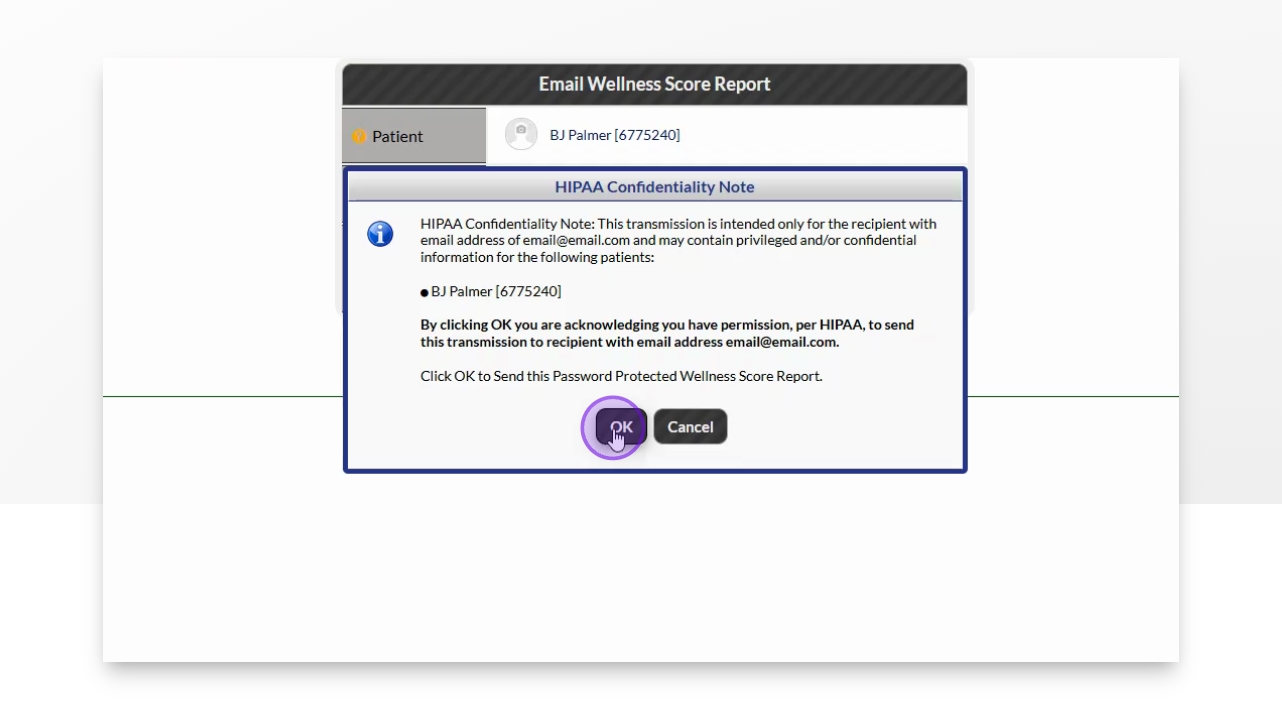
Step 10: Confirm HIPAA Note
Review and confirm the HIPAA confidentiality note.
The screen updates to confirm emailing.