What are Auto-Debit Groups™?
The Cash Practice® Auto Debit Groups™ is a powerful new feature that allows you to categorize your payments into groups. For example, it allows you to track your Chiropractic Services, Massage Services, Products, Gym Memberships, etc. They are really easy to create too!
Getting started:
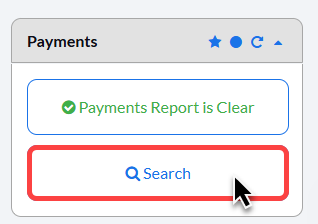
Step 1: From the Dashboard, select the [Search Payments] button on the right.
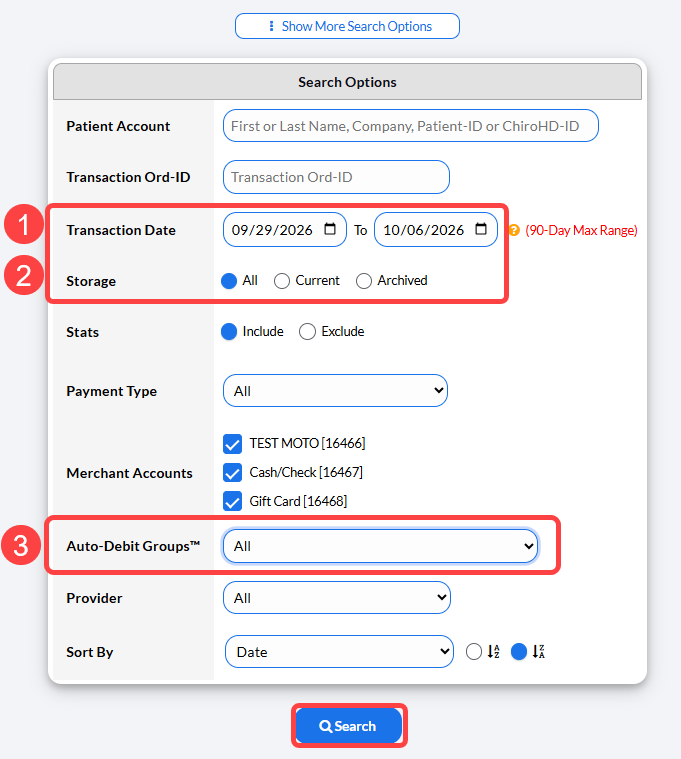
Step 2: From the search page, select your criteria:
Transaction date range
Storage: Select [All] if you are not sure if the transactions have been archived.
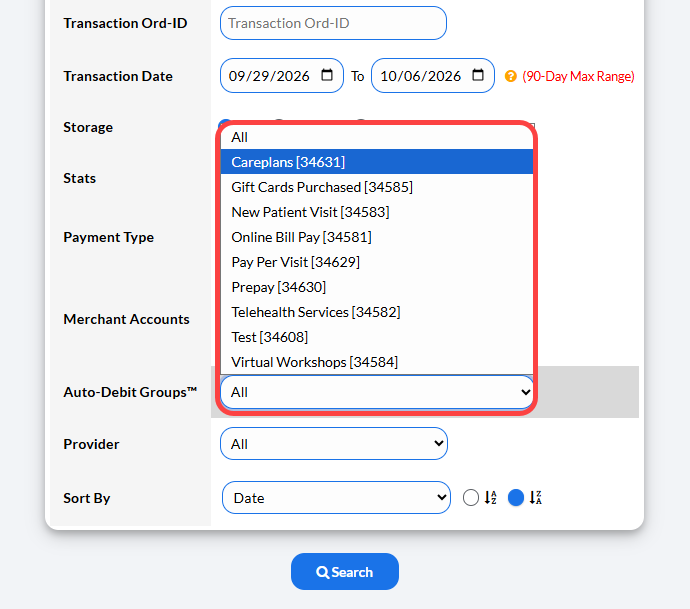
Auto Debit Groups: Choose your desired Auto-Debit Group to pull in this report.
Then click [Search] to pull the report.
A closer look at the [Auto-Debit Groups] selection: