

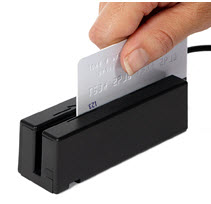
The amazing thing about the Cash Practice® USB Card Swiper is that it is so easy to use! Simply plug your USB Card Swiper into a working USB port on the computer you're going to be using. When the light on the swiper is green, you're able to start swiping cards when logged into your CashPractice.com account!
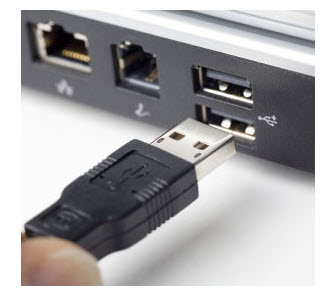
The swiper can be used with the Cash Practice® Simple Swiper®, EZ Swiper®.
Important:
Make sure all Windows Updates have been completed before using the swiper.
Make sure you have completed the Auto-Debit System® Setup.
Click here for instructions on how to use the swiper to collect payments.