Multiple merchant accounts are used for keeping deposits separate for multiple providers or different parts of a business. For more information on adding multiple merchant accounts, contact our Merchant Services Department by phone at (877) 343-8950 x105 or email MerchantAccounts@CashPractice.com
Getting started:
View full instructions on how to enroll a patient into a care plan HERE.
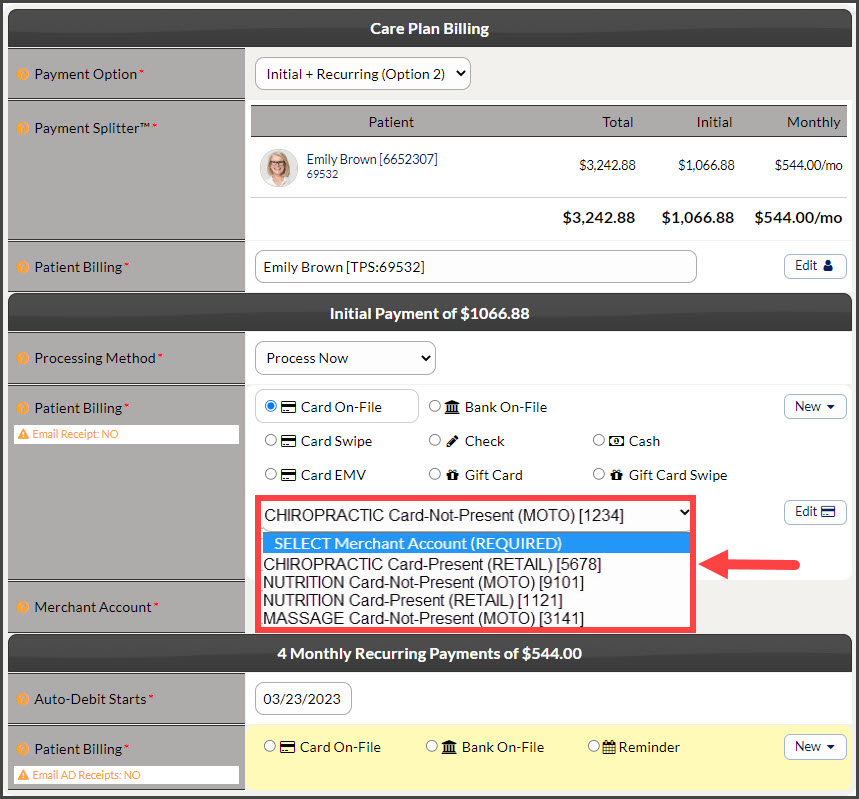
Step 1: Once all the correct selections are made for the initial payment, choose the correct Merchant Account this payment will be run under. This determines where the deposit goes.
Step 2: Again, when all the correct selections are made for the recurring payments, choose the correct Merchant Account these payments will be run under. This determines where the deposits go.
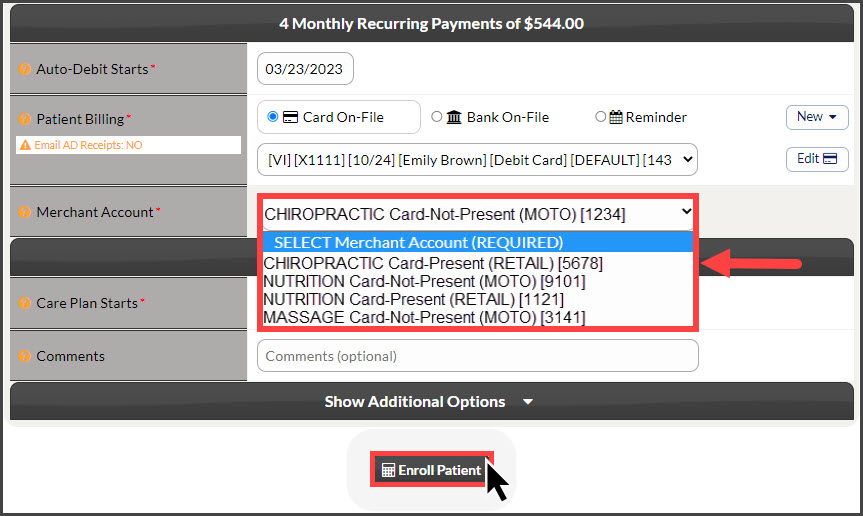
Step 3: Click [Enroll Patient].
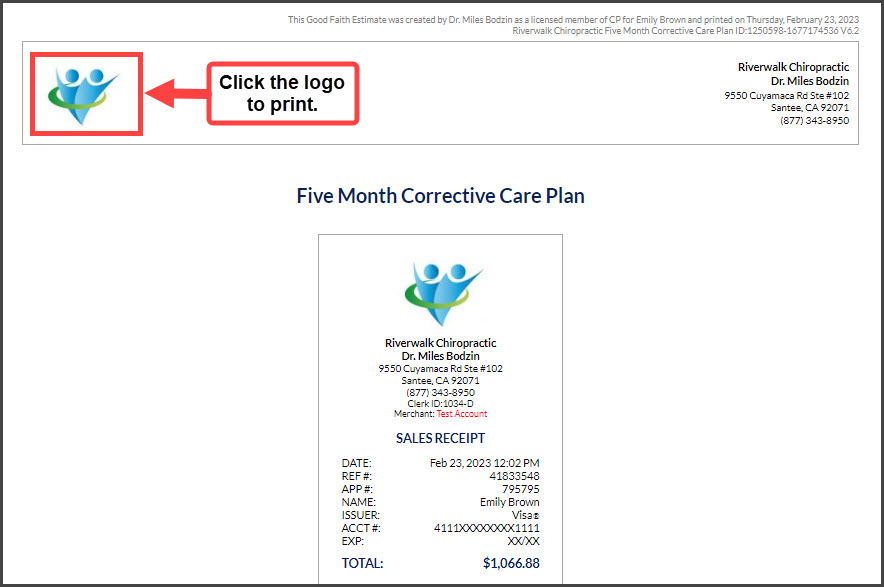
Step 4: Click the logo at the top of the plan to print.