

This is a test article to test the importing of Help center articles. Blah, blah, blah. Let's look at the steps:
Step 1: Open and Scroll Article
Click to open an article, scroll to the desired section, and click the specified button to proceed.
Image from Video Example:
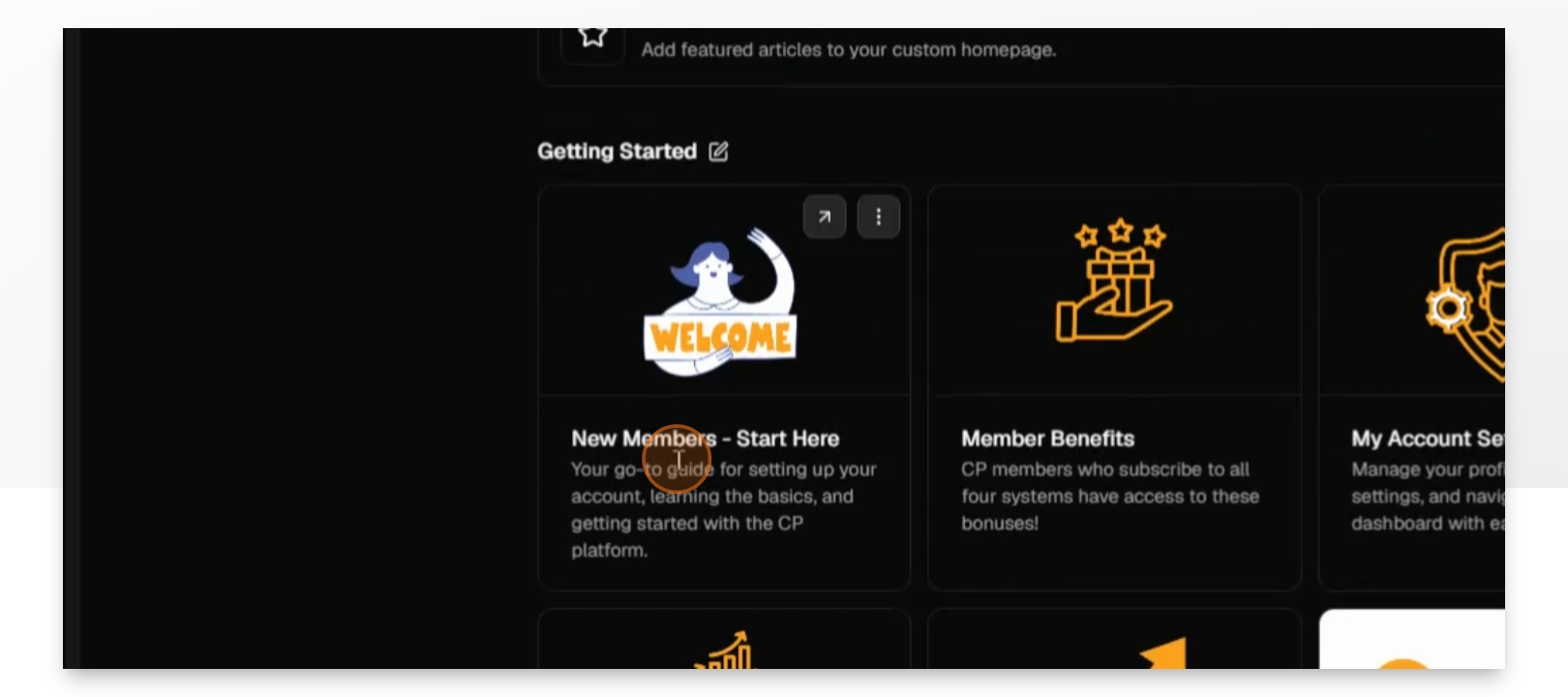
Table Test | Test second row | Test Third Row |
Column 1 | Column 2 | Column 3 |
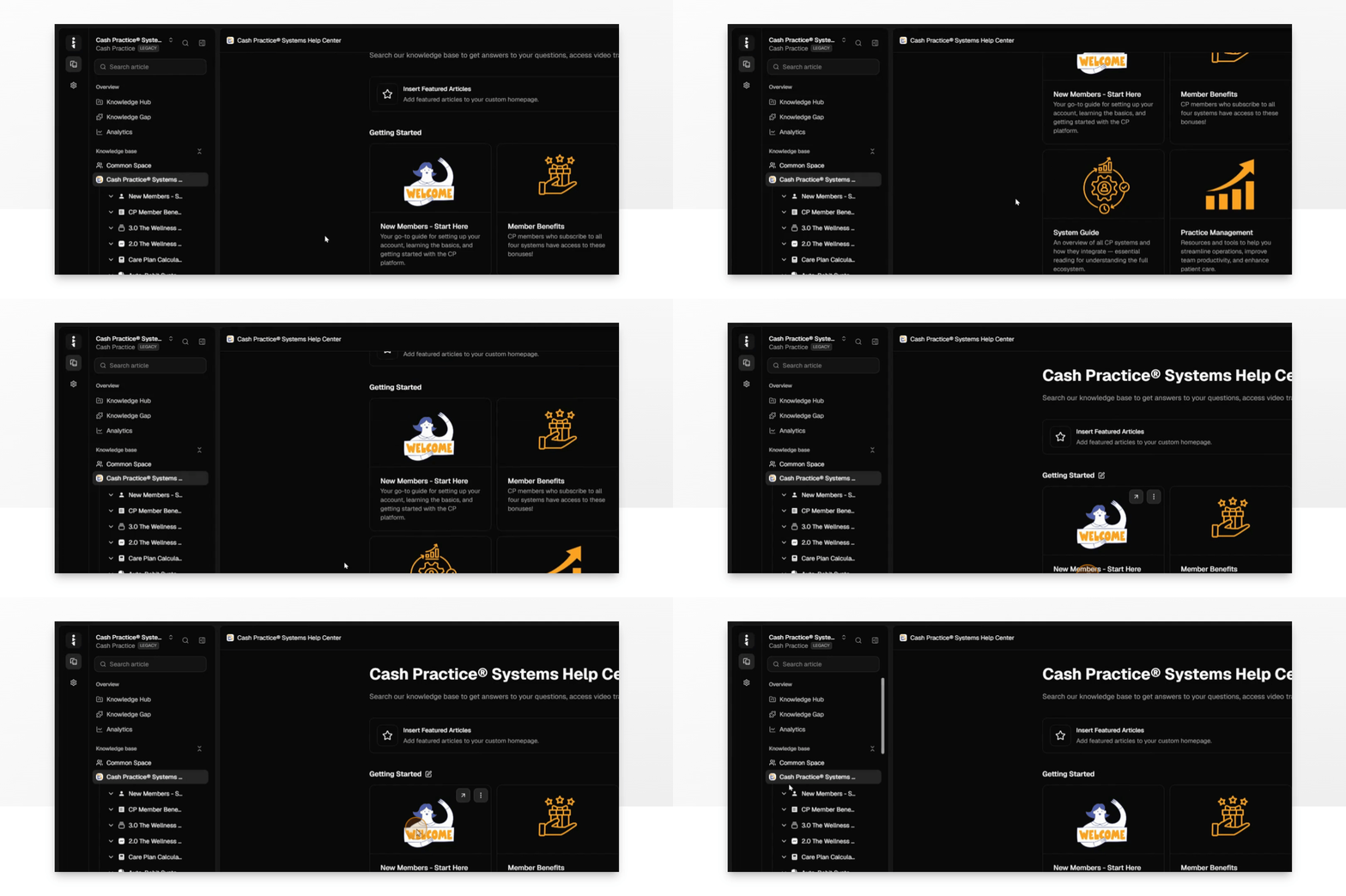
GIF example:
Quote Test Here. This is testing how the quote looks.
Copied and Pasted Image below - no presets:
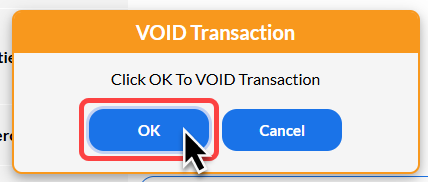
Copied and Pasted Image below with presets applied (thin orange border, rounded corners)
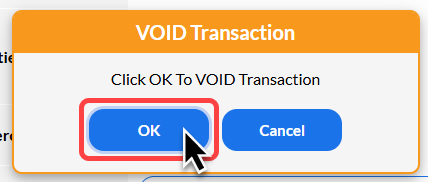
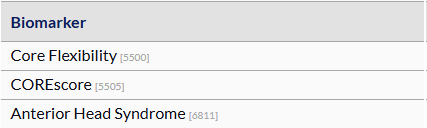
Uploaded Image (presets auto-applied):
😃 Emoji Test
Callout Test - Testing Lightbulb Callout
Callout Test - testing warning callout
Callout Test - Testing Info callout
Accordion Test
Testing content inside accordion
Linked Articles: