

The Care Plan Calculator is a very advanced piece of mathematical code, and at this time, works best with 30 or fewer lines of data to tabulate with a multitude of settings and discount scenarios. With the 30 lines provided, we suggest entering the services that you recommend to patients on a regular basis in the Care Plan Calculator® System [Setup] → [Step 3]. Click HERE for instructions on how to get there.
Note: The only fields that will display on a plan will be completed fields that list the [Discount Rules], [Services & Products] [Units], and [Actual Fees].
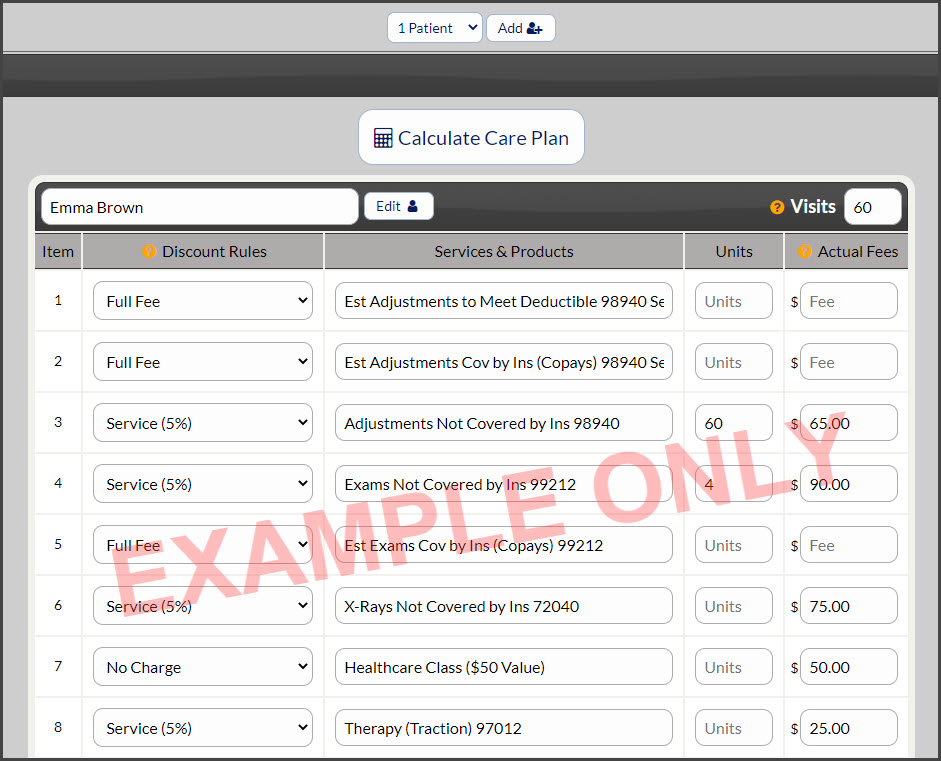
When creating a care plan for a specific patient, you can edit the Services & Products fields that will appear on the plan. You can also consolidate the services and give a detailed explanation of the services in the Care Plan Calculator® System [Setup] → [Step 9: Plan Content] in the [Custom Content] section.