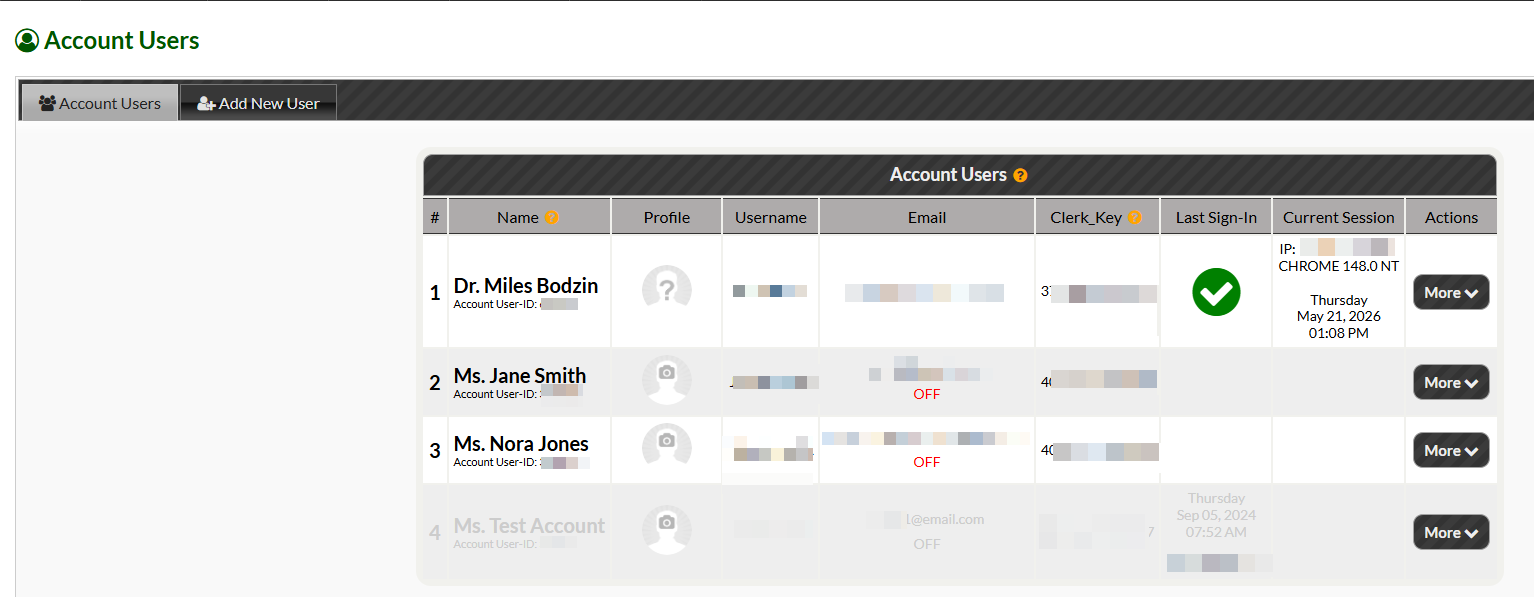

Important: To access the Account Users menu, you will need to be logged into the admin account (owner's account) or account user with [My Account] permissions turned on.
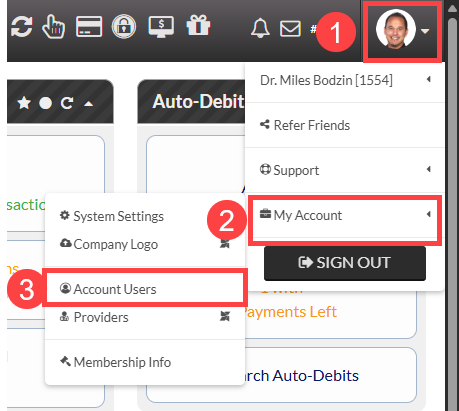
1. Click the top right hand corner of Cash Practice.
2. Select [My Account]
3. Click [Account Users]
This will open the Account Users menu where you can view or edit your list of account users.