Logo

Cash Practice® Systems Help Center

Search our knowledge base to get answers to your questions, access video training & more!

Linked Patients: How do I view or edit linked patients in the patient record?

Patients Section Guide

Linked Patients: How do I view or edit linked patients in the patient record?

View and Edit your linked patients directly from the patient record.

Last updated on 13 Oct, 2026

Step 1: Search for your patient by entering their name into the quick search field at the top right of your Dashboard.

Select the patient name to open the patient record.
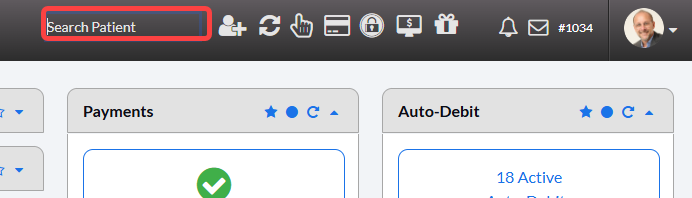
image.pngimage.png

Step 2: Click on the [Linked Patients] tab. You will find this in the second row of tabs in the patient record.
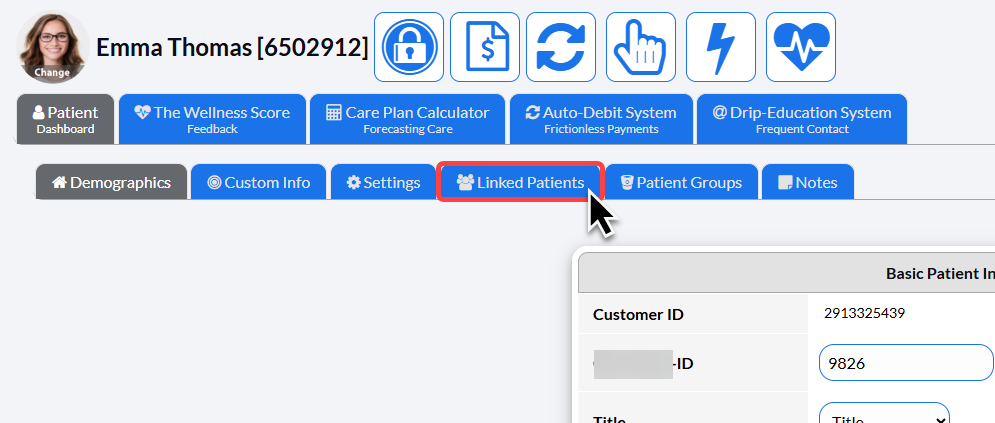
image.png

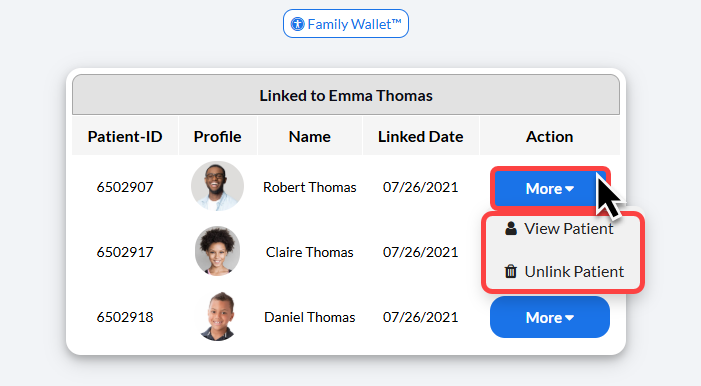
Step 3: From this tab, you can view/edit or add linked patients and access the Family Wallet™.
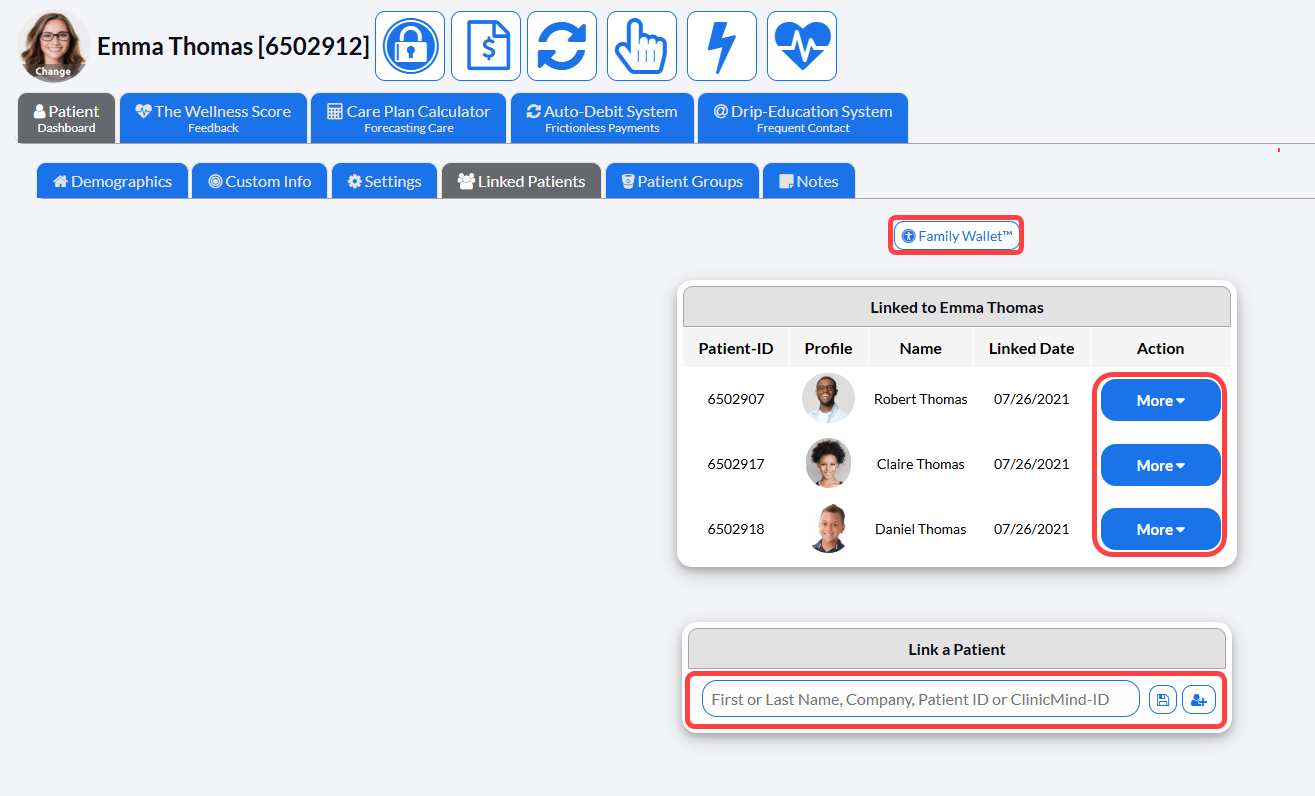
image.pngimage.png

Did you find this article helpful?
Previous

Membership

Next

© 2026 Cash Practice Systems. All rights reserved.